Your iPhone battery is running low, and you have only 30 minutes before leaving home. Should you use a 20W charger, upgrade to a 30W adapter, or buy a wireless MagSafe charger?
Understanding iPhone fast charging can save you time and money. However, choosing the right charger is not simply about buying one with the highest wattage. Your iPhone model, charging cable, battery level, temperature, and charging technology all influence how quickly your phone charges.
As a materials engineer, I look at charging from two perspectives: electrical performance and battery durability. This guide explains how iPhone fast charging works, which accessories you need, how to improve charging speed, and what fast charging means for battery health.
1. What Is iPhone Fast Charging?
iPhone fast charging is a charging method that allows a compatible iPhone to receive more electrical power than it would from a low-power charger.
Electrical power is measured in watts (W). In simple terms, watts equal voltage multiplied by current. A charger rated at 20W can supply up to 20 watts under supported conditions, but this does not mean your iPhone continuously receives 20W throughout the entire charging process.
Modern iPhones and compatible chargers communicate to establish an appropriate charging level. USB Power Delivery (USB-PD) is an important standard used for compatible wired fast charging.
The phone controls how much power it accepts according to its design, battery condition, temperature, and current charge level. Therefore, a 65W charger will not automatically charge every iPhone faster than a 20W charger.
The key takeaway: Fast charging requires a compatible iPhone, an appropriate power adapter, and the correct cable. All three matter.
2. Which iPhones Support Fast Charging?
Fast charging has been available across multiple iPhone generations, but connector types and charging capabilities vary.
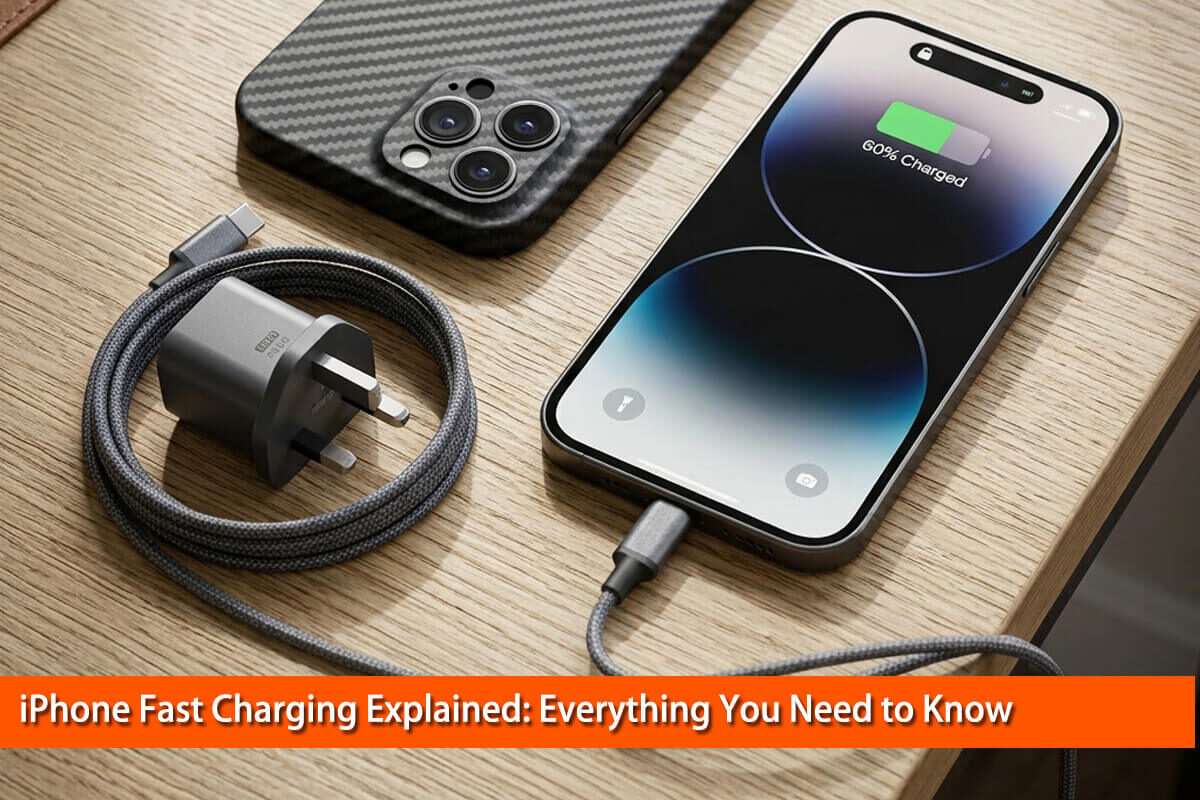
- Older iPhones with Lightning: Compatible models can fast-charge using a suitable USB-C power adapter and a USB-C-to-Lightning cable.
- iPhone 12–14 generations: Compatible models support wired fast charging, with exact performance depending on the device and charging conditions.
- iPhone 15 and later: These models use USB-C, making compatible USB-C-to-USB-C charging cables more convenient.
- Newer iPhone models: Some support higher wired or wireless charging performance than earlier generations, subject to specific accessory and environmental requirements.
Do not assume that every USB-C iPhone supports the same maximum charging speed. Connector type and charging capability are different things.
Apple’s official guide, Fast charge your iPhone, is the best starting point for checking your model’s requirements. Confirm specifications for your exact device before purchasing a new charger.
3. What Charger Wattage Is Best for an iPhone?
For many compatible iPhones, a 20W USB-C Power Delivery adapter is a practical starting point for fast charging. However, the best choice depends on your device and whether you already own a suitable charger.
Is a 20W charger enough?
For many users, yes. Apple’s published guidance describes fast charging for supported models using appropriate adapters, and the iPhone 16 generation, for example, can charge to approximately 50% in around 30 minutes under specified conditions.
Actual results vary with the model, starting battery level, temperature, settings, and whether the phone is being used.
Should you buy a 30W, 65W, or 100W charger?
A higher-wattage USB-C Power Delivery charger can safely power a compatible iPhone when it follows the appropriate standards. The phone draws only the power it can use.
However, a higher rating does not guarantee a meaningful improvement. Some models may benefit from a more powerful adapter under certain conditions, while others reach their practical charging limits with a lower-wattage option.
If you also charge a tablet or laptop, a 65W or 100W multi-device charger may be convenient. If you only charge an iPhone, spending more on a high-wattage adapter may provide little additional benefit.
For a useful model-specific example, read MacRumors’ iPhone 16 fast-charging guide.
| Charger option | Best use |
|---|---|
| 5W adapter | Basic charging when speed is not important |
| 20W USB-C PD | Practical everyday choice for many compatible iPhones |
| 30W USB-C PD | A useful option for supported models and multiple devices |
| 65W–100W USB-C PD | Convenient for charging several compatible devices |
These are general buying categories, not universal charging-speed guarantees. Always check the requirements for your iPhone.
4. Which Cable Do You Need for Fast Charging?
Your cable must match your iPhone’s charging port and the adapter you intend to use.
For an iPhone with USB-C, a compatible USB-C-to-USB-C cable is generally the straightforward choice. For an older Lightning iPhone, fast charging typically requires a suitable USB-C adapter and USB-C-to-Lightning cable.
Cable quality also matters. Damaged connectors, poor electrical connections, or unreliable accessories may interrupt charging or reduce performance.
Do not confuse charging power with data-transfer speed. A cable advertised with high data-transfer rates is not automatically necessary for fast charging, and a basic cable may still support suitable charging power.
When buying a cable, check its stated charging capability, connector compatibility, and manufacturer reliability. Avoid choosing accessories based only on appearance or price.
5. How Fast Can an iPhone Charge?
Charging time depends on the device, battery capacity, charging method, temperature, and starting battery level.
Apple’s published estimates for supported models often describe reaching approximately 50% charge in around 30 minutes with an appropriate adapter and under specified test conditions. These estimates should not be interpreted as guarantees for every iPhone.
Why does charging slow down as the battery fills?
A lithium-ion battery cannot accept maximum charging power indefinitely. Charging control systems adjust power as the battery approaches its upper charge limit. This helps manage temperature, voltage, and battery longevity.
For example, charging from 10% to 40% may feel much faster than charging from 80% to 100%. This behavior is normal and does not necessarily indicate a faulty charger.
The best way to compare chargers is to test the same iPhone under consistent conditions, recording the starting percentage, elapsed time, temperature, and final percentage. Without controlled testing, claims that one charger is dramatically faster may be misleading.
6. Wired vs. Wireless Fast Charging
Wired charging and wireless charging both have advantages, but they work differently.
Wired charging: A compatible cable connects the iPhone directly to the adapter. It is usually the simplest choice when you want predictable charging performance and minimal accessory complexity.
MagSafe charging: Magnetic alignment helps position compatible iPhones on a wireless charger. Supported models and accessories can offer higher wireless charging speeds than older wireless charging combinations.
Qi and Qi2 charging: These wireless charging standards support compatible devices and chargers, but charging speed depends on the particular iPhone, charger, adapter, and certification.
Wireless charging can generate more heat around the charging system than an equivalent wired setup. Misalignment, unsuitable accessories, and warm surroundings may also reduce performance.
If speed is your priority, compare the official wired and wireless specifications for your exact model. If convenience matters more, MagSafe may be worth considering.
7. Does Fast Charging Damage Your iPhone Battery?
Fast charging does not automatically mean your iPhone battery will fail early. Battery aging is a complex process affected by temperature, charge level, usage, time, and charging conditions.
A lithium-ion battery stores and releases energy through electrochemical reactions. During charging, lithium ions move between the battery’s electrodes. Higher charging rates can increase internal resistance-related heating and place greater demands on these reactions.
Research published in the journal Energy Storage Materials examines the relationship between battery temperature, heat generation, and fast-charging performance. Read the review here: A review of thermal physics and management inside lithium-ion batteries for high energy density and fast charging.
Another comprehensive review, published in Energy Reports, discusses fast-charging mechanisms, degradation, and temperature-related challenges: Lithium-ion battery fast charging: A review.
These studies examine lithium-ion battery systems broadly, including applications beyond smartphones. They explain important underlying mechanisms, but they should not be interpreted as proof that using a particular iPhone charger causes a specific amount of battery degradation.
How can you protect battery health?
- Avoid exposing your iPhone to excessive heat while charging.
- Use compatible, reputable charging accessories.
- Enable Optimized Battery Charging or available charge-limit features when appropriate.
- Avoid leaving a hot phone under bedding or in direct sunlight.
- Let the device cool naturally if it becomes unusually warm.
Apple provides additional guidance in its official battery information.
8. How to Make Your iPhone Charge Faster
If you need more power in less time, follow these practical steps.
1. Use a suitable USB-C Power Delivery adapter. Check your iPhone’s requirements and choose an adapter that supports them.
2. Use the correct cable. Make sure the cable matches your device and adapter and is in good condition.
3. Reduce intensive activity. Gaming, navigation, video recording, and other demanding tasks consume power while the phone charges.
4. Keep the phone at a comfortable temperature. If it becomes too hot, charging performance may be reduced automatically.
5. Choose a direct power connection. Some hubs, multiport adapters, or connected accessories can limit the power available to your iPhone.
6. Check for charging warnings. iOS may display messages when temperature or other conditions affect charging.
Remember that turning off your phone is not necessary for ordinary fast charging. Reducing heavy use and avoiding excess heat are more practical steps for most people.
9. Why Is My iPhone Charging Slowly?
If your iPhone charges more slowly than expected, work through this checklist before buying a new adapter.
- Check the adapter: Confirm that its supported output meets your iPhone’s requirements.
- Inspect the cable: Try a known-good compatible cable if charging is intermittent.
- Check the temperature: Allow an unusually hot or cold device to return to a suitable temperature naturally.
- Consider the battery level: Charging normally slows as the battery approaches full capacity.
- Reduce background activity: Close or pause demanding tasks when practical.
- Inspect the port: Look for visible debris or damage. Do not insert metal tools into the connector.
- Test another outlet: This helps rule out problems with the power source.
If charging remains unreliable after these checks, consult Apple’s charging troubleshooting guidance or seek professional support.
10. Can a Carbon Fiber Phone Case Affect Fast Charging?
A carbon fiber phone case does not automatically prevent wired fast charging. With wired charging, the electrical connection is made through the charging port, so the case’s material alone is not normally the deciding factor.
Wireless charging requires more consideration. Traditional carbon fiber is electrically conductive, and conductive materials placed in the wireless charging path can interfere with electromagnetic energy transfer or cause unwanted heating. The actual result depends on the case’s construction, material placement, thickness, and charging-system design.
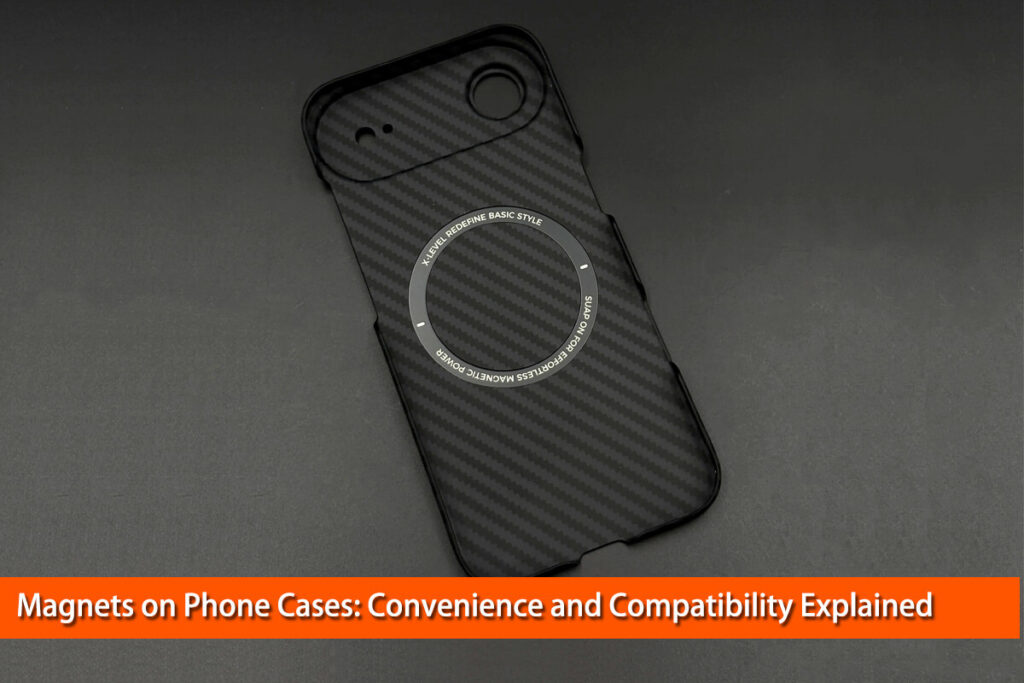
A carbon fiber phone case designed for MagSafe or other wireless charging should therefore be evaluated as a complete product, not simply by its material name. Look for a design specifically tested for compatibility with the intended iPhone and charger.
If wireless charging becomes inconsistent or the phone gets unusually warm, remove the case and test again. This simple comparison can help identify whether the case or accessory setup is contributing to the problem.
For buyers who value a lightweight, premium appearance, a well-designed carbon fiber phone case can combine a distinctive material finish with everyday practicality. Just make sure its charging compatibility matches how you use your phone.
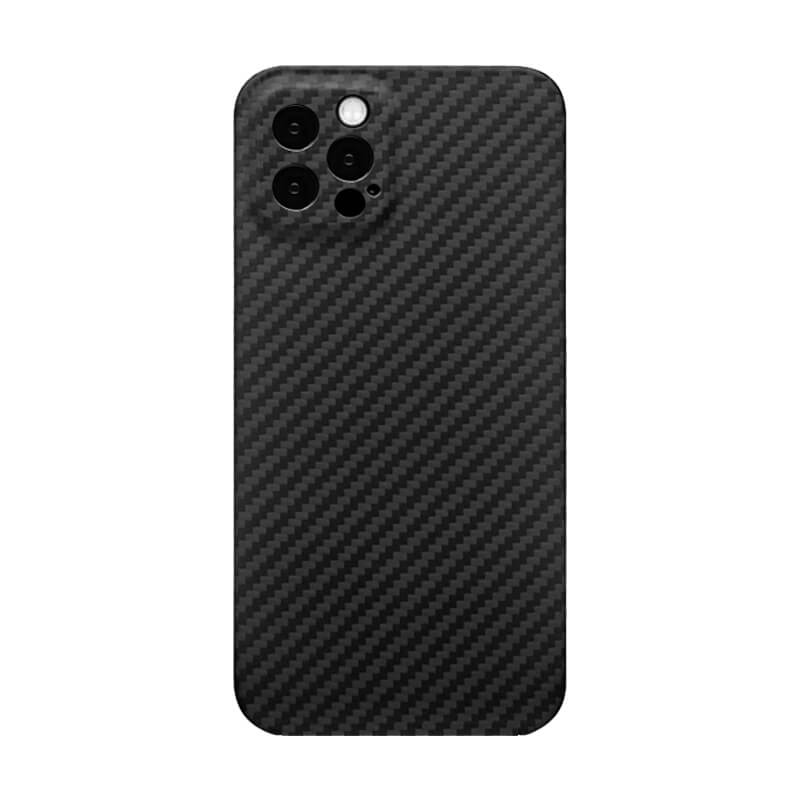
MagSafe Compatible;
Slim & Lightweight;
Precise Fit;
Premium Look;
Camera Protection;
Durable Design;
Easy Access.

11. Common iPhone Fast-Charging Myths
Myth 1: A 100W charger always charges an iPhone faster than a 20W charger.
Not necessarily. The phone’s supported charging limits determine how much power it accepts.
Myth 2: Every USB-C cable performs the same way.
No. Cable capability, condition, and compatibility can affect charging reliability and supported power.
Myth 3: Fast charging always damages the battery.
Incorrect. Battery aging depends on multiple factors, particularly temperature and charging conditions.
Myth 4: Wireless charging is always as fast as wired charging.
No. Wireless performance depends on the charging standard, device, alignment, adapter, and temperature.
Myth 5: You must drain your iPhone to 0% before charging.
No. Lithium-ion batteries do not require routine full discharges to maintain battery health.
12. Frequently Asked Questions
What wattage charger is best for an iPhone?
A 20W USB-C Power Delivery adapter is a practical choice for many compatible models. Check your specific iPhone’s requirements before buying.
Can I use a 65W charger with my iPhone?
Yes, provided it is a compatible, standards-compliant charger. Your iPhone controls the power it draws, so 65W does not mean it receives 65W.
Why does my iPhone charge quickly at first and slowly later?
Charging power is managed according to battery level, temperature, and other conditions. Slower charging near full capacity is normal.
Is it safe to use an iPhone while charging?
Ordinary use is generally fine, but intensive gaming, recording, or navigation can generate additional heat and slow charging.
Does a carbon fiber phone case affect MagSafe charging?
It depends on the case’s design. Conductive carbon fiber in the wireless charging path can interfere with charging, so choose a case specifically designed and tested for wireless compatibility.
Related reading: Do Carbon Fiber MagSafe Phone Cases Work with Wireless Charging?
Conclusion
The best way to fast-charge an iPhone is to match a compatible adapter and cable to your exact model, understand its charging limits, and avoid excessive heat. A higher-wattage charger is not automatically faster, and charging speed naturally decreases as the battery fills.
For most users, a reliable USB-C Power Delivery adapter and a suitable cable are a sensible starting point. If you prefer wireless charging, check the compatibility of both the charger and your case.
With the right accessories and a few good charging habits, you can spend less time waiting for your iPhone to charge without making unnecessary purchases or worrying about normal charging behavior.