Your iPhone may get warm while charging, playing games, recording videos, or running demanding apps. In many cases, this is normal. However, if your iPhone gets excessively hot, drains its battery quickly, or displays a temperature warning, it is important to identify the cause. So, why does my iPhone get hot, and what can you do to fix it?
The most common causes include charging, intensive processor activity, background processes, poor cellular reception, hot environments, and battery problems. A phone case or charging accessory may also contribute under certain conditions.
As a materials engineer, I look at this problem from two perspectives: how heat is generated inside the device and how effectively that heat moves away from it. Understanding both can help you troubleshoot overheating more safely and avoid unnecessary repairs.
In this guide, you will learn the 10 most common reasons for iPhone overheating, how to cool your phone safely, and when to seek professional help.
Is It Normal for an iPhone to Get Warm?
Yes. An iPhone naturally produces heat when its processor, battery, display, and wireless components consume electrical power.
For example, playing a graphics-intensive game requires more processing power than reading a text message. Similarly, charging the battery involves energy losses that produce heat. These processes can make your phone feel warm even when everything is working correctly.
According to Apple’s official temperature guidance, iPhones are designed to operate in ambient temperatures between 0°C and 35°C (32°F and 95°F). This refers to the surrounding air temperature, not a universal surface-temperature limit for the phone.
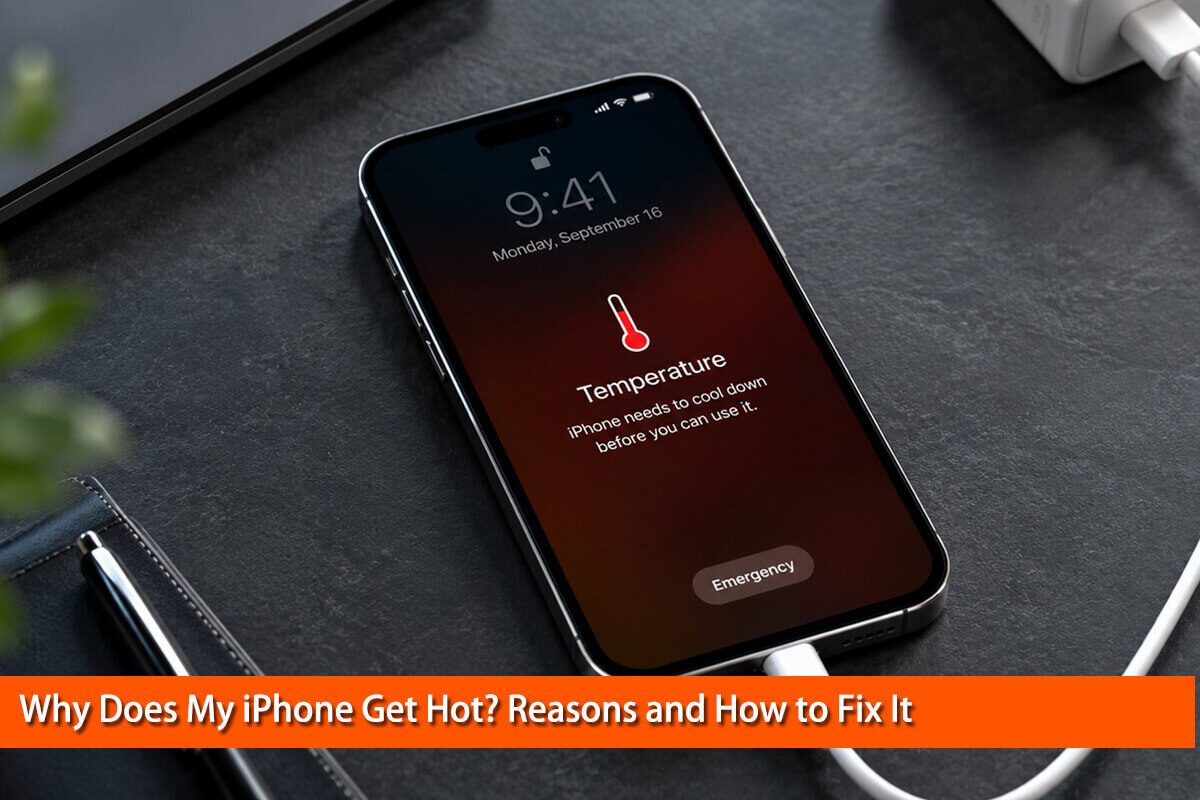
When an iPhone becomes too warm, it may dim its display, reduce performance, pause charging, or temporarily disable certain functions to protect its components.
Normal warmth is different from persistent overheating. If your phone repeatedly becomes extremely hot during light use, overheats while idle, or displays temperature warnings, investigate the cause instead of ignoring it.
Why Does My iPhone Get Hot? 10 Common Reasons
1. Your iPhone Is Charging
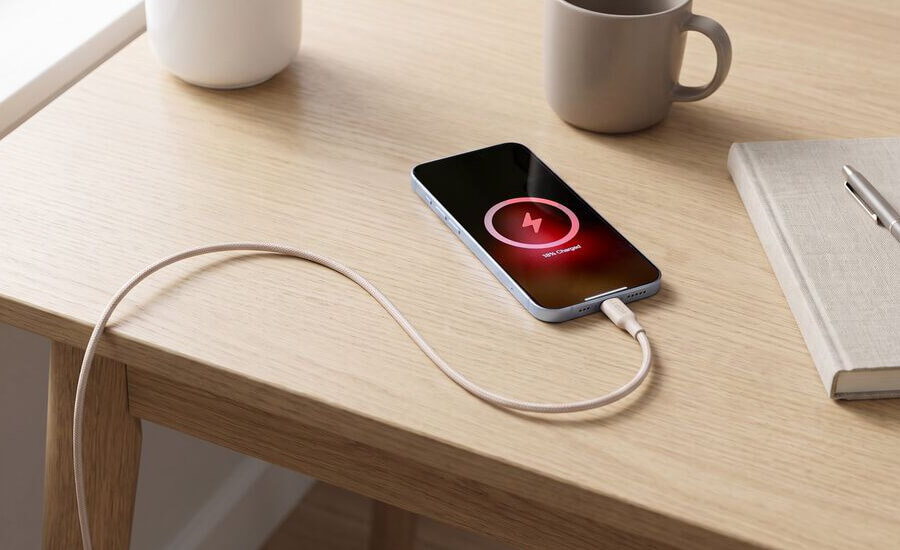
Charging is one of the most common reasons an iPhone gets warm.
A lithium-ion battery does not convert all incoming electrical energy into stored energy. Some energy is lost as heat, while the charging circuitry and other components also generate heat.
Fast charging can make this effect more noticeable, especially when the battery is at a low charge level or the phone is being used at the same time.
How to fix it:
- Stop playing games or running demanding apps while charging.
- Charge your iPhone in a cool, well-ventilated location.
- Use compatible charging equipment from a reputable manufacturer.
- If the phone becomes excessively hot, disconnect the charger if it is safe to do so and let the phone cool.
A mildly warm phone during charging is usually not a reason to worry. Excessive heat, repeated charging interruptions, or a damaged charging accessory deserves closer attention.
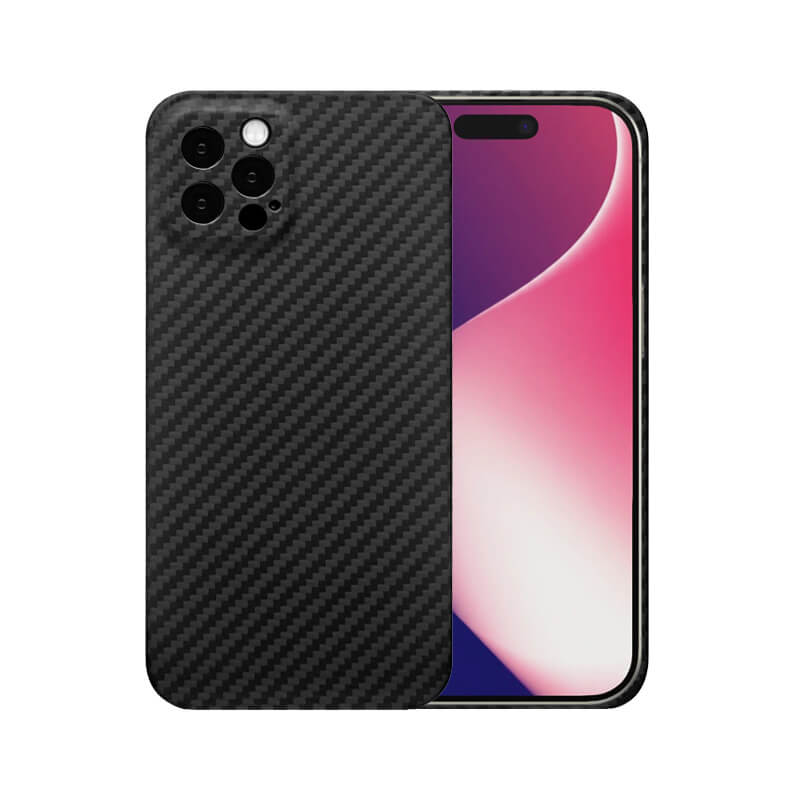
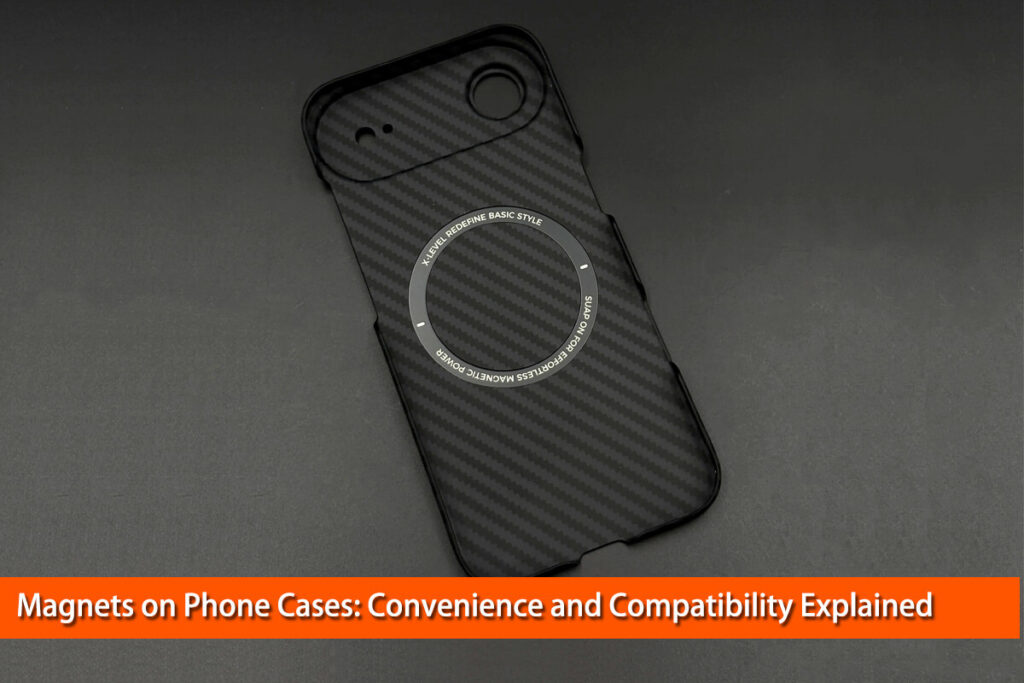
Built-in magnets ensure seamless MagSafe compatibility.
Slim design keeps your iPhone comfortable to hold.
Premium carbon fiber delivers a high-end look.
Raised edges help protect the screen and cameras.
Precise fit provides easy access to all controls.
Scratch-resistant surface maintains its premium appearance.
Supports MagSafe charging and compatible accessories.

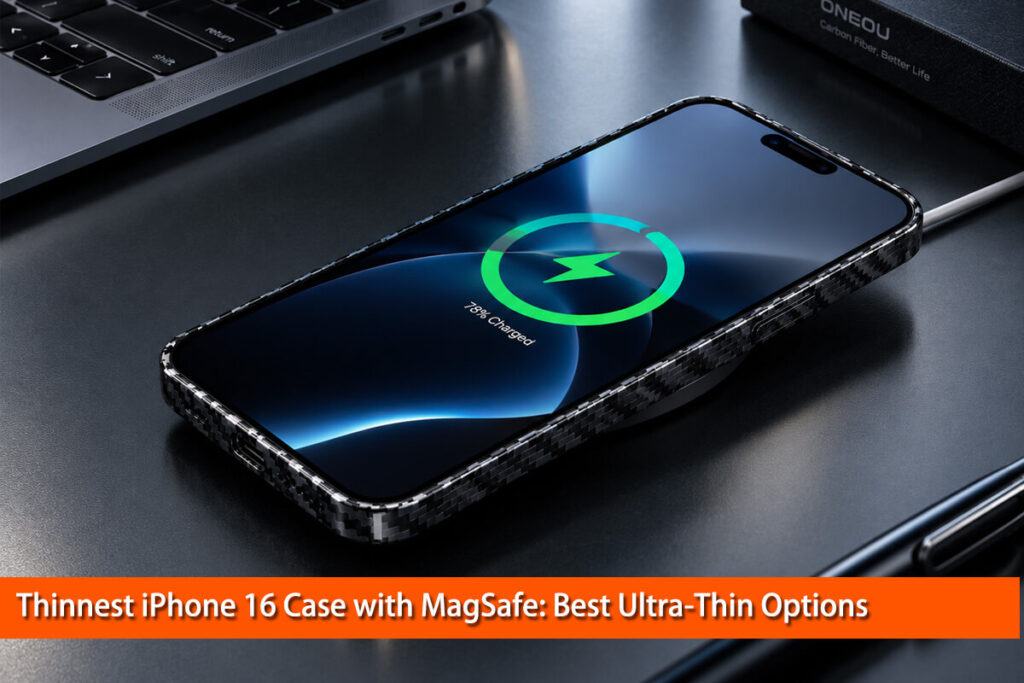
2. Wireless Charging or MagSafe Is Generating Heat
Wireless charging can generate more noticeable heat than you might expect.
Unlike wired charging, wireless charging transfers energy through a magnetic field between coils in the charger and the phone. Some energy is lost during this transfer. Poor alignment, unsuitable accessories, and the design of the charging system can increase losses.
MagSafe charging uses magnetic alignment to help position compatible devices and chargers, but it does not eliminate heat generation.
How to fix it:
First, check that your iPhone is correctly aligned with the charger. Remove metal objects or accessories that may interfere with charging, and follow the charger’s instructions.
If your phone becomes unusually hot, stop charging and let it cool. You can also temporarily remove the case to determine whether it contributes to the problem.
Apple explains how temperature management can affect charging in its iPhone temperature guidance.
3. You Are Playing Games or Using Demanding Apps

Your iPhone’s processor and graphics hardware consume more power when handling demanding tasks.
High-resolution games, video editing, augmented reality, and intensive camera processing can keep these components busy for extended periods. More electrical power generally means more heat that must be transferred away from the components.
This is similar to a computer becoming warm when running a demanding program.
How to fix it:
Pause demanding activities and allow your phone to cool naturally. Reduce graphics settings when possible, lower screen brightness if appropriate, and avoid running intensive apps while charging.
If the phone repeatedly overheats during a simple task, check for app updates and investigate whether another process is running in the background.
4. Your iPhone Is Exposed to Direct Sunlight or High Temperatures
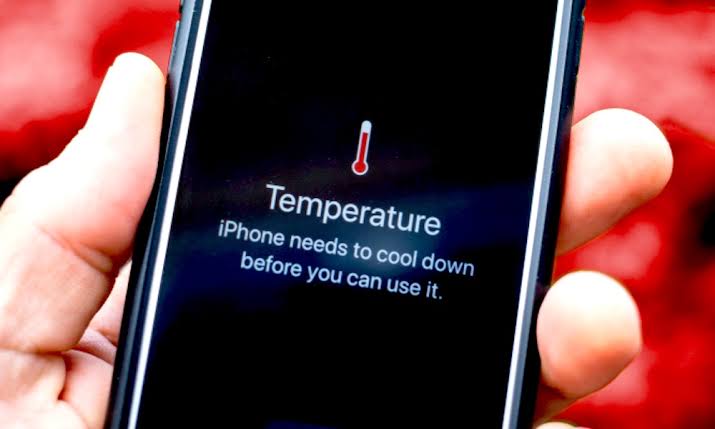
Environmental heat can make an iPhone overheat even when you are not doing anything demanding.
For example, leaving your phone on a car dashboard exposes it to sunlight and heat from the surrounding interior. Using GPS navigation outdoors on a hot day can create an additional thermal load.
Apple warns that using an iPhone in very hot conditions can permanently shorten battery life.
How to fix it:
Move your phone away from direct sunlight and into a cooler environment. Avoid leaving it in a parked car, particularly on a sunny day.
Do not put an overheated phone in a refrigerator or freezer. Rapid temperature changes can cause condensation and damage. Let the phone cool naturally instead.
5. Background Apps and Weak Cellular Signals Are Draining Power
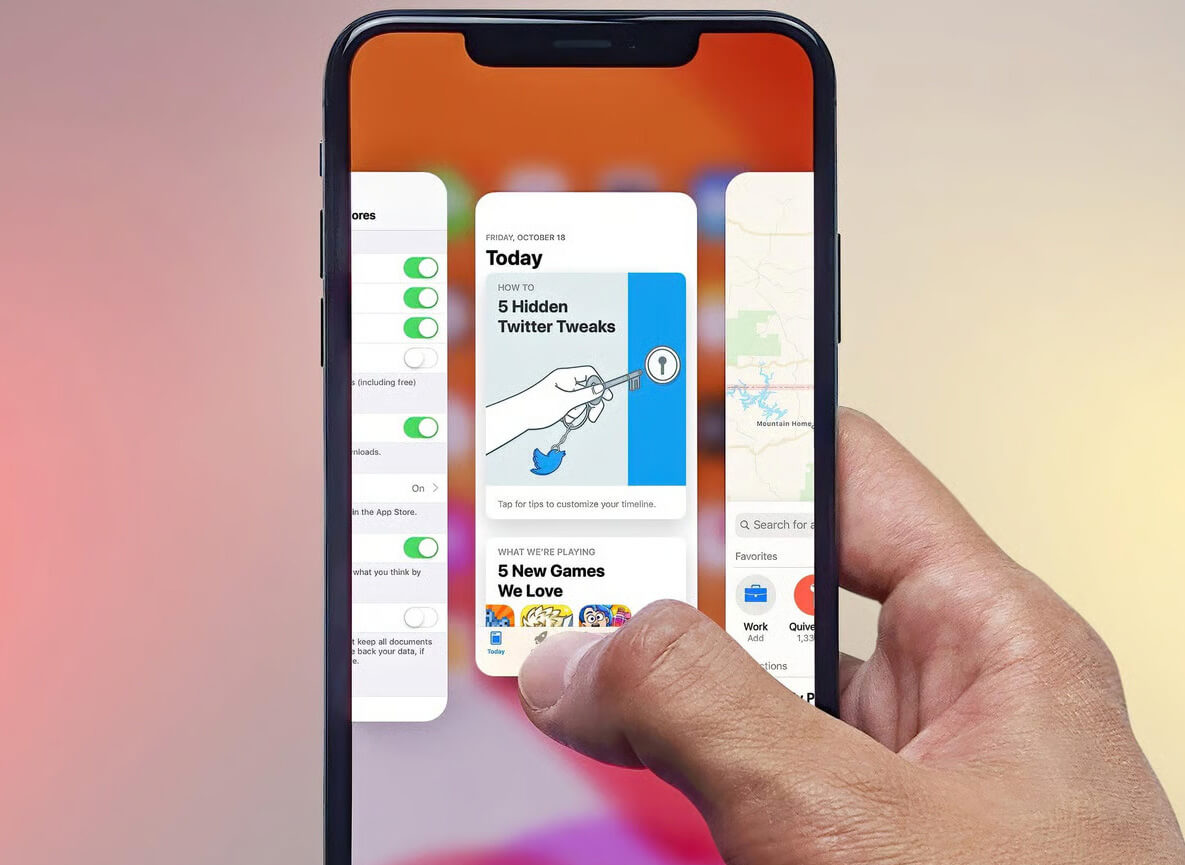
Sometimes, your iPhone gets hot even when you are not actively using it.
The reason may be background activity. Apps can synchronize photos, download files, fetch email, track locations, or perform other tasks while you use a different app.
Poor cellular reception can also increase power consumption because the phone may need to work harder to maintain or find a connection.
Apple provides useful diagnostic information in Understand your iPhone battery usage and health.
How to fix it:
Open Settings → Battery and review battery usage. Look for apps or system activities consuming more power than expected, especially when the screen is off.
If an app shows unusually high background activity, check its settings and update it. You can also review Background App Refresh and location permissions.
Remember that high battery usage does not automatically mean an app is faulty. Navigation, photo synchronization, and other legitimate tasks can consume substantial power.
6. Your iPhone Gets Hot After an iOS Update
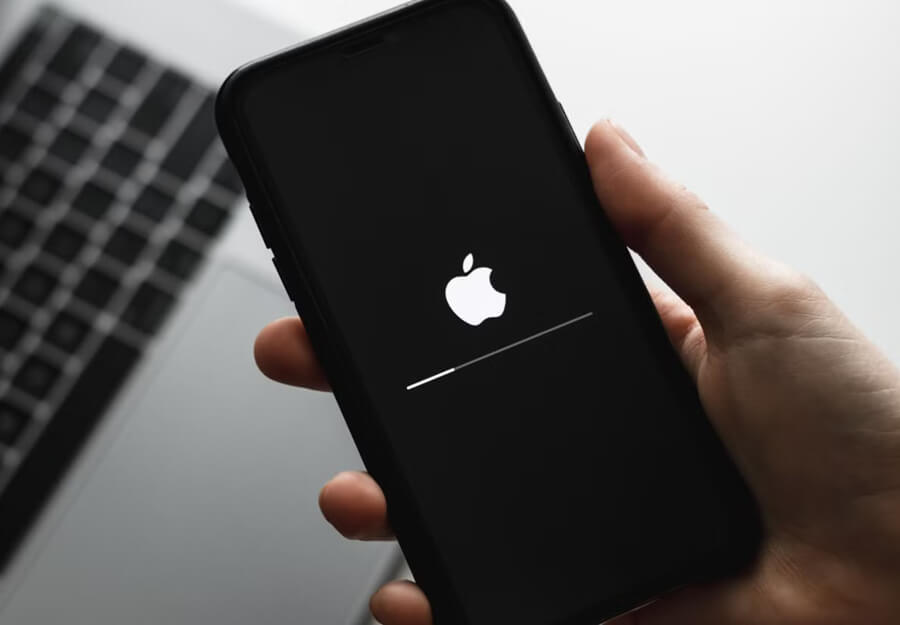
A new iPhone or a recently updated device may become warmer than usual for a limited period.
After setup, restoring a backup, or installing a major software update, the phone may need to index files, organize photos, synchronize information, and complete background tasks.
These activities require processing power and can temporarily increase battery consumption.
How to fix it:
Keep your phone in a comfortable environment and allow background tasks to finish. Check Settings → Battery to see whether system activity explains the increased power use.
If the problem continues, check for additional iOS or app updates and restart the phone after it has cooled.
Do not assume that every overheating problem after an update is normal. Persistent heat, particularly when the phone is idle, may indicate an app or hardware issue that requires further investigation.
7. An App or Software Problem Is Causing Excessive Activity
An app may become stuck in a processing loop, repeatedly attempt network connections, or perform unexpected background work.
These problems can cause higher processor usage, battery drain, and heat.
How to fix it:
Check your Battery settings and identify any app with unusual power consumption. Update the app, close and reopen it if necessary, and restart the iPhone once it is at a normal temperature.
If the problem began immediately after installing an app, compare battery usage before and after removing or disabling that app where possible.
Avoid repeatedly force-closing every app as a routine solution. It is more useful to identify the process responsible for the heat than to treat all background activity as a problem.
8. Your iPhone Battery Is Aging or Damaged
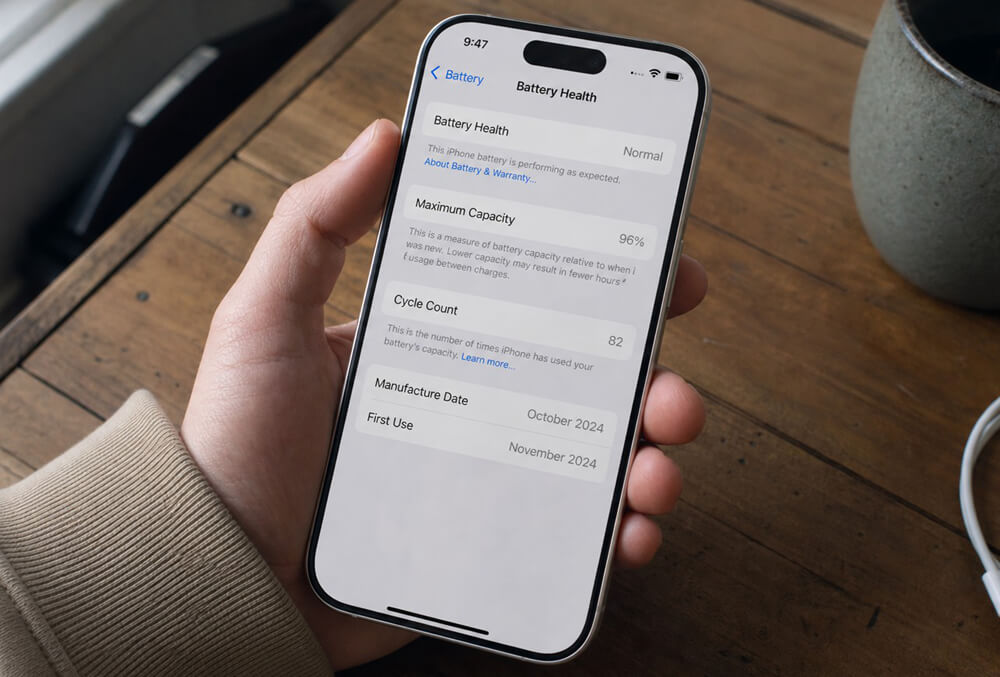
Lithium-ion batteries change as they age and accumulate charge cycles. Their capacity decreases over time, and an aging battery may no longer deliver power as effectively as it once did.
Damage or an internal battery fault can create a more serious safety concern.
How to fix it:
Open Settings → Battery and check Battery Health. On newer models, battery information may include maximum capacity, cycle count, and service recommendations. Menu labels vary by model and iOS version.
For additional background, read Apple’s iPhone battery and performance guide.
Battery health alone cannot confirm the cause of overheating. If the phone repeatedly gets hot, shuts down unexpectedly, or drains rapidly despite light use, arrange a professional assessment.
If the battery appears swollen, stop using and charging the device. Do not press, puncture, or attempt to remove it yourself.
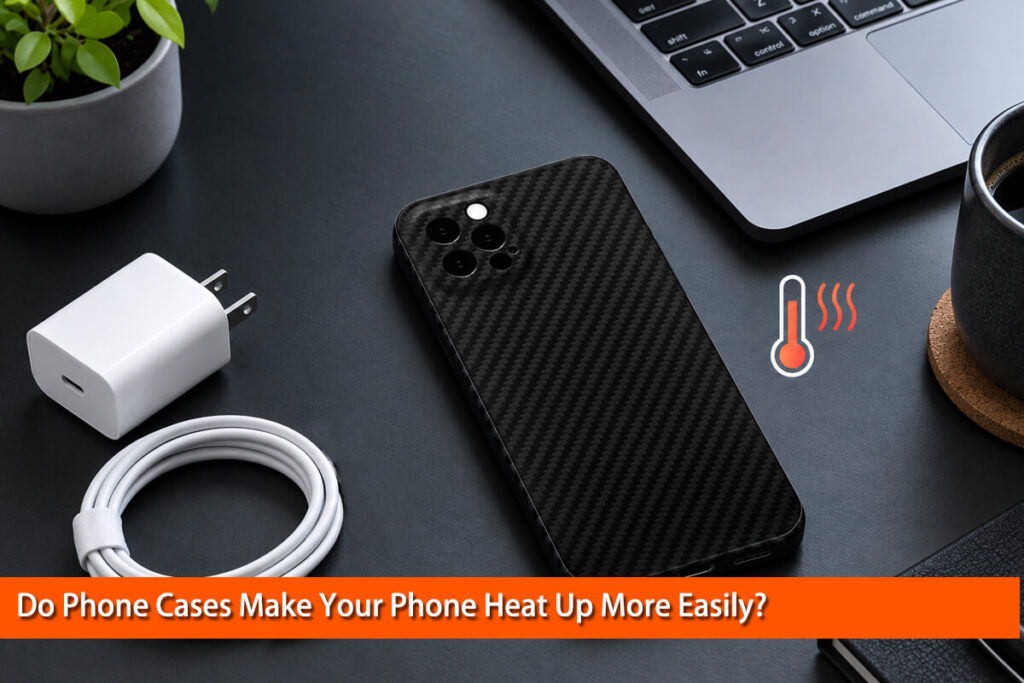
9. Your Phone Case May Affect Heat Dissipation
A phone case protects the device from scratches, impacts, and everyday wear. However, the case also becomes part of the phone’s thermal environment.
From a materials engineering perspective, heat transfer depends on more than the name of a material. Thermal conductivity, thickness, internal structure, contact between layers, and the surrounding air all influence how heat moves.
A thick or poorly designed case may reduce heat transfer from parts of the phone’s surface. This does not mean that every protective case causes overheating, nor does it mean that a thin case will always keep a phone cooler.
Carbon fiber requires particular care when discussing thermal performance. Carbon fibers can conduct heat efficiently along their length, but their properties are directional. In a finished carbon fiber composite, the resin, fiber orientation, layer structure, and thickness all influence thermal behavior.
For technical background, see this peer-reviewed study in ACS Applied Polymer Materials: Anisotropic Thermal Conductivity of Epoxy Laminate Composites Constructed with Three-Dimensional Carbon Fiber Felt. The research demonstrates that heat conduction in carbon fiber composites depends on their structure and fiber arrangement. It does not establish that a consumer carbon fiber phone case will necessarily dissipate more heat.
How to fix it:
If your iPhone gets hot repeatedly with a case installed, remove the case temporarily and compare its behavior under similar conditions. Avoid intensive use while charging, and make sure the case is compatible with your wireless charging setup.
A well-designed carbon fiber phone case can be an appealing option for users who value a slim profile and lightweight construction. However, choose a case based on its actual design, protection, and charging compatibility rather than assuming that carbon fiber alone prevents overheating.
Related reading: Do Phone Cases Cause Your Phone to Overheat? What You Need to Know
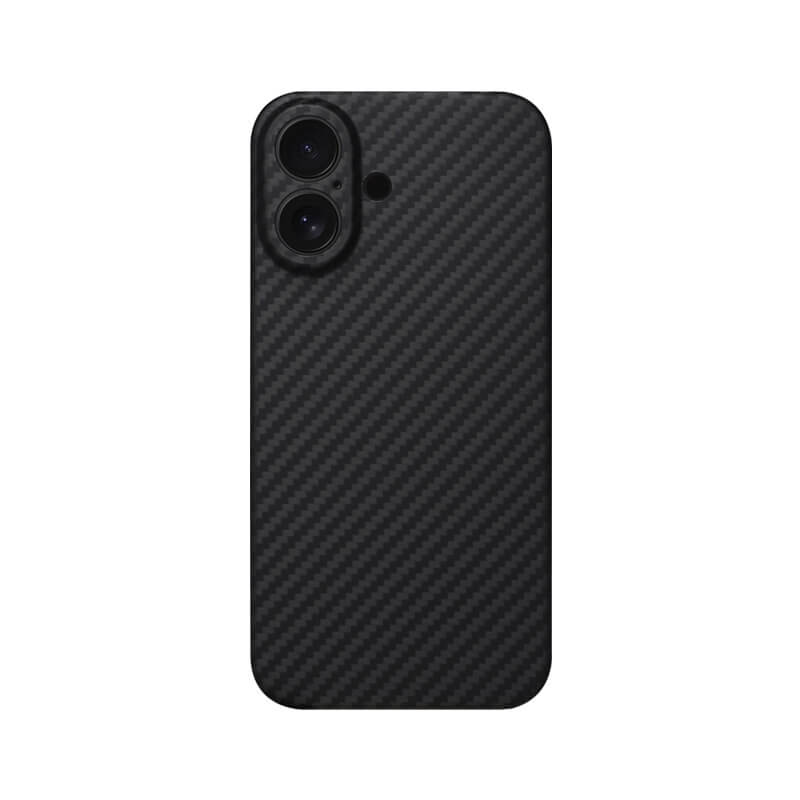
Strong MagSafe magnets ensure secure attachment.
Slim profile protects without adding unnecessary bulk.
Raised edges protect screen and camera.
Textured surface provides a secure grip.
Precise cutouts ensure easy everyday access.
Durable construction helps absorb everyday impacts.
Supports wireless charging without removing the case.
10. A Charger, Cable, or Internal Component May Be Faulty
A damaged cable, unsuitable charger, charging-port problem, or internal hardware fault can sometimes contribute to abnormal heating.
Hardware issues are more likely to require professional diagnosis when overheating continues despite light use and normal environmental conditions.
How to fix it:
Inspect the charging cable and adapter for visible damage. Stop using damaged accessories, and try compatible, undamaged charging equipment only after the phone has cooled.
If the phone continues to overheat, displays repeated temperature warnings, or has unexplained shutdowns, contact Apple Support or a qualified repair professional.
Do not attempt to open the phone or repair its battery unless you have the appropriate training and equipment.
iPhone Gets Hot: A Symptom-to-Solution Table
Here is one of the most useful additions to help you solve the iPhone gets hot problem. You can immediately find the scenario that matches your problem.
| When does your iPhone get hot? | Likely explanation | First action |
|---|---|---|
| While charging | Charging heat, demanding activity, or poor ventilation | Stop intensive use and let it cool |
| During wireless charging | Charging losses, alignment, or accessory compatibility | Check alignment and remove the case temporarily |
| While gaming | High CPU/GPU workload | Pause the game and let the phone cool |
| After an iOS update | Background processing or an app issue | Check Battery settings and allow setup tasks to finish |
| While idle | Background activity, poor signal, or possible fault | Inspect battery activity and check whether the heat persists |
| In direct sunlight | Excessive ambient heat | Move the phone into a cooler, shaded environment |
| With rapid battery drain | Heavy activity, poor signal, aging battery, or software issue | Review battery usage and Battery Health |
How to Cool Down an Overheating iPhone Safely
If your iPhone is too hot, follow these steps in order:
- Stop demanding activities. Exit games, video recording, navigation, or other intensive tasks.
- Stop charging if the phone is excessively hot. Disconnect the charger if it is safe to do so.
- Move the phone to a cooler location. Keep it away from direct sunlight and hot surfaces.
- Remove the case temporarily. This may help heat escape and can help you identify whether the case contributes to the problem.
- Turn off the phone if it is very hot. Let it cool naturally before using it again.
- Wait before resuming normal use. Do not try to accelerate cooling with ice, a freezer, or a refrigerator.
If you see an iPhone temperature warning, follow the instructions displayed on the device and Apple’s official temperature and safety guidance.
If the phone is swollen, smoking, or producing an unusual burning smell, do not continue using or charging it. Move away from the device if there is an immediate hazard and seek appropriate professional assistance.
How to Prevent Your iPhone From Overheating Again
A few practical habits can reduce unnecessary heat buildup:
- Avoid leaving your phone in direct sunlight or a parked car.
- Use compatible chargers and undamaged cables.
- Avoid prolonged gaming or intensive video recording while charging.
- Keep iOS and apps updated.
- Review Battery settings when unusual drain or heat occurs.
- Use a properly fitted phone case that works with your charging method.
- Allow new-device setup, backup restoration, and major updates to finish.
- Seek service if the phone repeatedly overheats during light use.
The goal is not to keep your iPhone completely cold. It is to prevent excessive heat and identify abnormal behavior before it becomes a bigger problem.
Frequently Asked Questions
Why does my iPhone get hot for no reason?
It may be performing background tasks, synchronizing photos, searching for a cellular signal, or running an app that consumes excessive power. Check Settings → Battery to investigate. Persistent overheating during idle use deserves further attention.
Why does my iPhone get hot while charging?
Charging naturally produces some heat. Fast charging, demanding apps, poor ventilation, and wireless charging losses can increase it. Stop charging if the phone becomes excessively hot and let it cool before trying again.
Why does my iPhone get hot after an iOS update?
The phone may be indexing files, synchronizing photos, or completing background processing. This can temporarily increase power consumption. If the problem persists, check battery activity and available software updates.
Can a phone case cause an iPhone to overheat?
A case can affect heat transfer, depending on its thickness, structure, fit, and materials. However, overheating may also come from charging, demanding apps, or environmental heat. Compare the phone’s behavior with and without the case under similar conditions.
Related reading: Do Phone Cases Cause Your Phone to Overheat? What You Need to Know
Can overheating damage my iPhone battery?
Repeated exposure to high temperatures can accelerate battery aging. Apple specifically warns that using an iPhone in very hot conditions can permanently shorten battery life. Stop using the phone when it becomes excessively hot and investigate recurring problems.
Should I turn off my iPhone if it gets too hot?
If the phone is excessively hot, stop using it, disconnect charging if safe, and turn it off. Move it to a cooler location and let it cool naturally. If it displays a temperature warning, follow the on-screen instructions.
Final Thoughts
When asking, “Why does my iPhone get hot?”, remember that heat is a result of both energy consumption and heat transfer. Charging, demanding apps, background activity, sunlight, battery aging, and phone-case design can all play a role.
Start with safe cooling, inspect battery usage, and check your charging setup. If the phone repeatedly overheats during light use or shows signs of battery damage, seek professional help instead of relying on temporary fixes.
A properly designed phone case can support everyday protection, but no case material can guarantee that an iPhone will never overheat. The best solution is to identify the actual cause and address it safely.