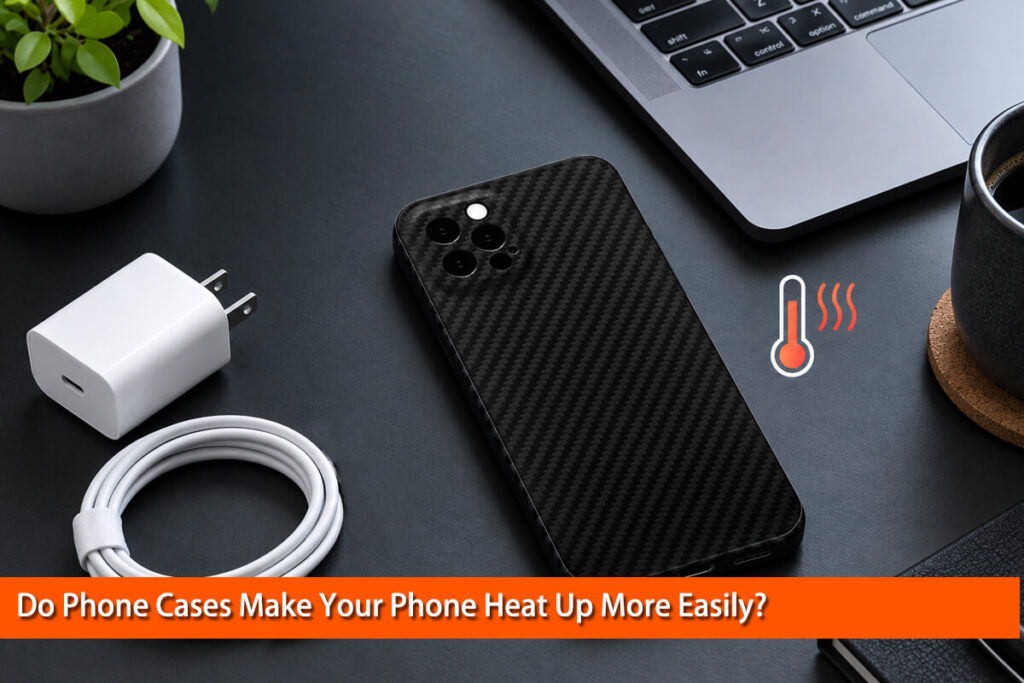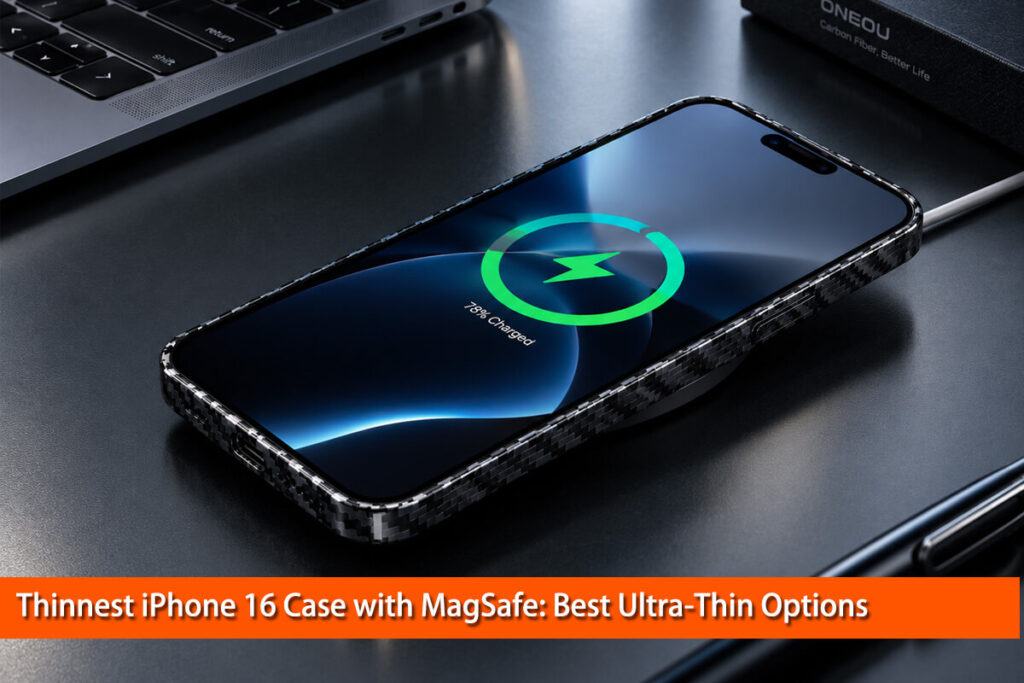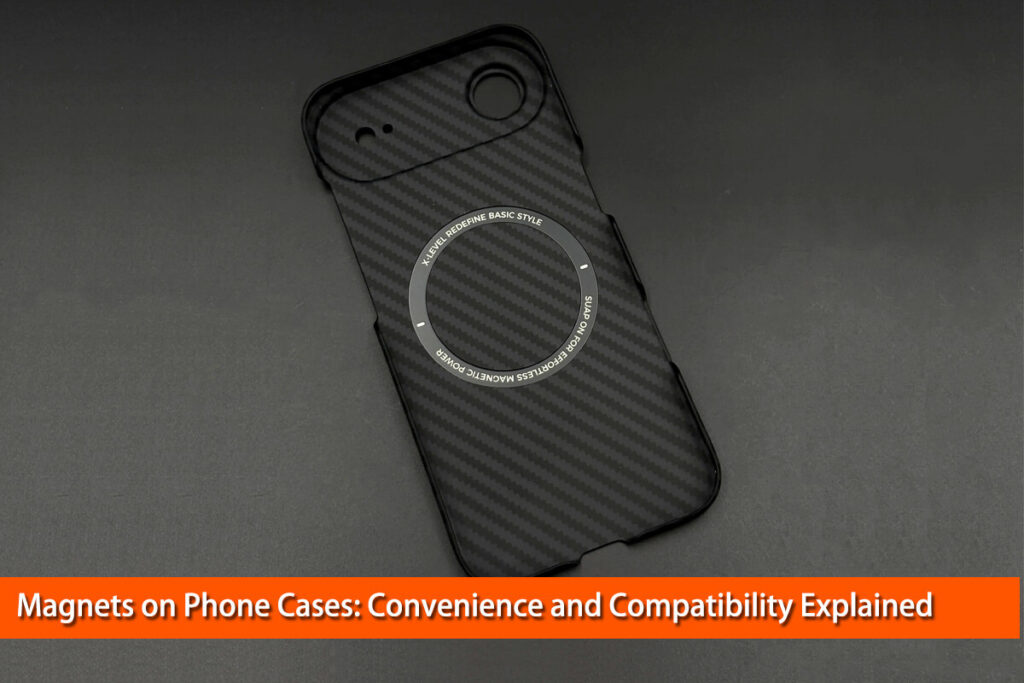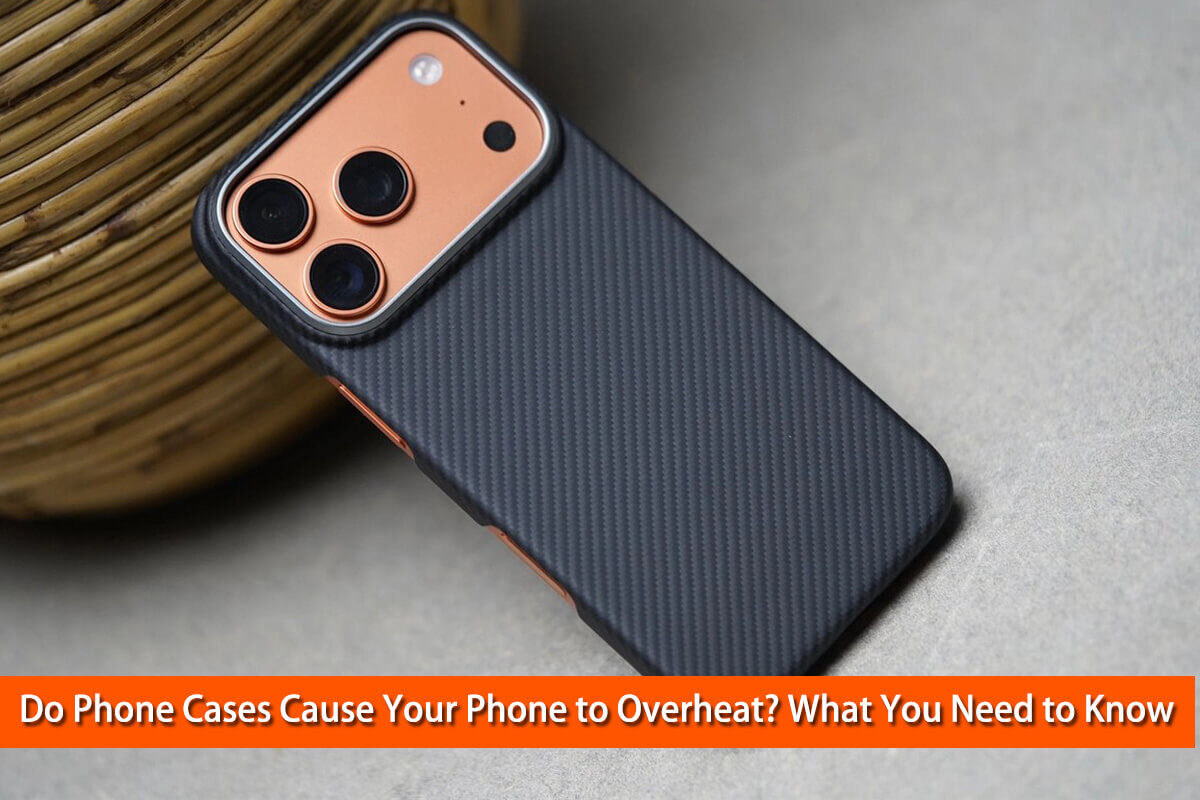
If your phone feels unusually warm while charging, gaming, or using demanding apps, you may wonder: do phone cases cause overheating?
The answer is more nuanced than a simple yes or no.
A phone case can affect how efficiently your smartphone releases heat, especially when the device is already working hard. However, the case is rarely the only reason a phone becomes hot. Processor workload, charging, wireless charging, ambient temperature, battery condition, and case design can all affect your phone’s temperature.
The material and construction of a phone case also matter. A thick insulating case can behave differently from a thin composite case, while wireless charging introduces another set of considerations.
In this guide, we’ll explain why phones get hot, how phone cases affect heat dissipation, which situations make the difference more noticeable, and how you can test whether your own case is contributing to the problem.
We’ll also look at carbon fiber phone cases from a materials-engineering perspective, including what carbon fiber can—and cannot—do for smartphone thermal management.
Why Do Smartphones Get Hot?
Before blaming your phone case, it helps to understand where smartphone heat comes from.
Processor and GPU Workload
The processor and graphics processor consume electrical power when your phone performs demanding tasks. More power consumption generally means more heat generation.
Gaming is a good example. A modern 3D game can continuously load the CPU and GPU while also using the display, memory, network connection, and graphics hardware.
Other heat-producing activities include:
- Recording high-resolution video
- Video editing
- Running demanding applications
- Using GPS navigation for long periods
- Mobile hotspot use
- Large downloads or uploads
- High-performance games
- Some AI-intensive applications
Google specifically notes that gaming, video recording, flashlight use, and other demanding activities can cause a Pixel phone to generate more heat than during normal operation.
Charging
Charging also produces heat.
During charging, electrical energy is converted and stored in the battery, and some energy is inevitably lost as heat. Fast charging can make this effect more noticeable.
This means a phone becoming somewhat warm while charging is not automatically a sign that something is wrong.
Apple explains that an iPhone can automatically slow or temporarily stop charging when its temperature becomes too high. This thermal protection is designed to protect the battery and maintain safe operation.
Wireless Charging
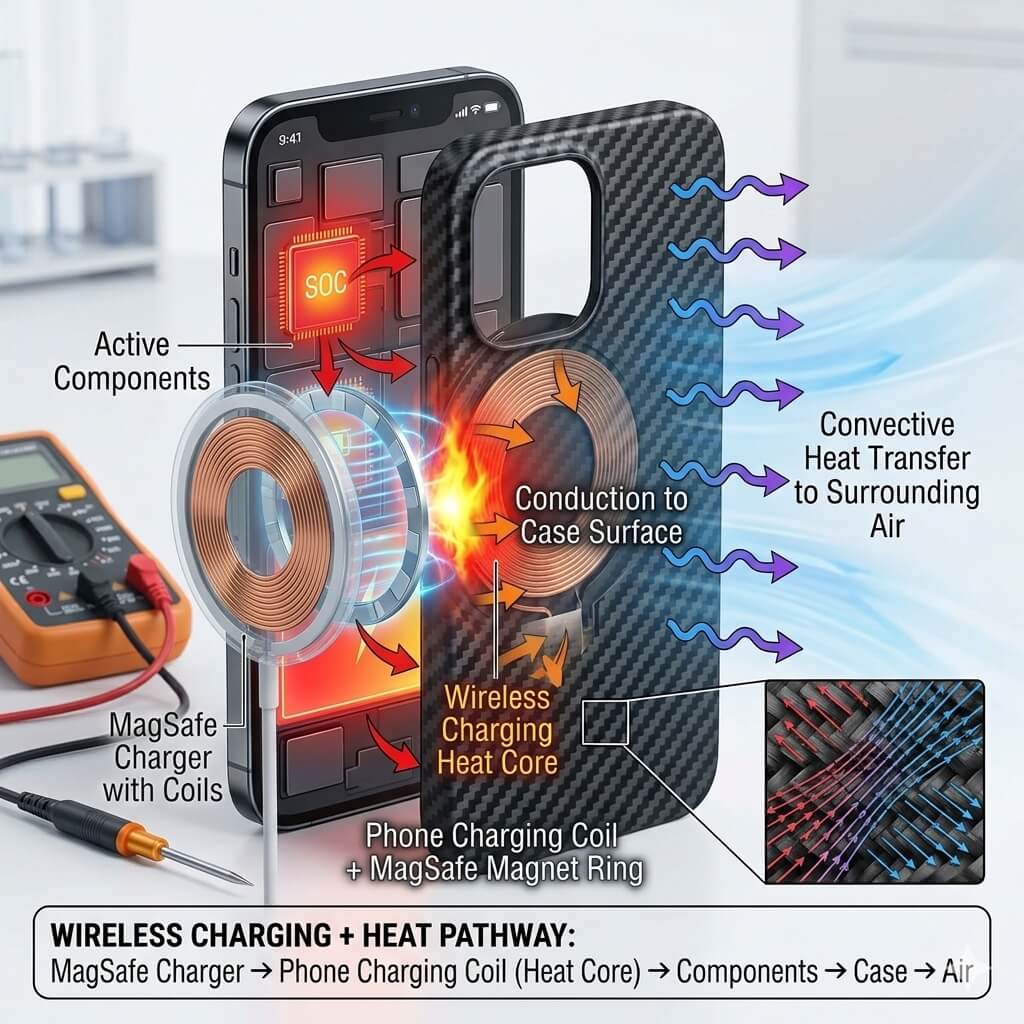
Wireless charging deserves special attention because heat management can become more complicated.
Wireless power transfer is not perfectly efficient. Some energy is lost during the transfer process, producing heat. Alignment between the phone and charging coil also matters.
This is why manufacturers pay close attention to case compatibility.
Google recommends removing a case if wireless charging is slow or inconsistent and specifically warns that thick, metallic, or magnet-containing cases can interfere with wireless charging on compatible devices.
Ambient Temperature
Your phone also depends on its environment.
A phone operating at room temperature has a much easier time releasing heat than one sitting in direct sunlight inside a hot car.
Google recommends operating Pixel devices within an ambient range of approximately 0°C to 35°C (32°F to 95°F) and advises keeping the device away from direct sunlight and other heat sources.
So when evaluating phone temperature, always consider four factors:
Phone workload + charging + case design + environment.

Can a Phone Case Cause Your Phone to Overheat?
Yes, a phone case can contribute to higher internal temperatures under certain conditions.
But saying that every phone case causes overheating would be incorrect.
A case creates an additional thermal layer around the phone. If that layer has relatively low thermal conductivity, heat may move more slowly from the phone’s exterior into the surrounding air.
Think of it like adding another layer between a warm object and the room.
However, the real situation is more complicated because a phone case can also spread heat over a larger area.
Research published in the Proceedings of the Thermal Engineering Conference examined heat dissipation from smartphone cases and found that using higher-thermal-conductivity materials for the outer case could help spread heat more evenly and reduce maximum temperature in simulations.
Another study using infrared thermography and temperature sensors compared smartphones with and without plastic cases during common tasks. The researchers found that cases changed the way heat was dissipated and could increase processor and battery temperatures, although the case could also reduce the surface temperature felt by the user’s hand.
This leads to an important distinction:
A phone can feel cooler on the outside while its internal components are actually warmer.
That is why simply touching the outside of a case is not a reliable way to judge the phone’s internal temperature.
How Does a Phone Case Affect Heat Dissipation?
From a materials-engineering perspective, heat needs a path to travel.
A simplified heat path looks like this:
Internal components → phone structure → outer surface → surrounding air
When a case is installed, the path becomes:
Internal components → phone structure → case → surrounding air
The case therefore becomes part of the thermal system.
Its performance depends on several variables:
- Thermal conductivity
- Case thickness
- Material structure
- Contact between the case and phone
- Surface area
- Internal construction
- Air movement around the phone
- Ambient temperature
A thick insulating layer can slow heat transfer.
A thin and thermally conductive structure may spread heat more effectively.
This is why case thickness alone cannot tell you whether a case will cause overheating.
A thin case made from a poorly conductive material and a carefully engineered multilayer case may behave very differently.
Do Thick Phone Cases Trap More Heat?
Generally speaking, adding more insulating material between the phone and the surrounding environment can make heat dissipation more difficult.
This can become more noticeable during high-load situations such as:
- Long gaming sessions
- Fast charging
- Wireless charging
- 4K video recording
- Navigation in hot weather
- Using the phone as a hotspot
However, thickness is only one part of the equation.
A thick case designed with thermally conductive materials or special heat-spreading structures may behave differently from a thick case made primarily from insulating materials.
In fact, researchers and engineers have developed specialized phone cases specifically for thermal management. A University of Colorado Boulder engineering project, for example, developed a smartphone case incorporating a thermal ground plane and reported a reduction in maximum phone temperature during testing.
So the better question is not:
“Is the case thick?”
It is:
“What materials and structures are being used, and how do they manage heat?”
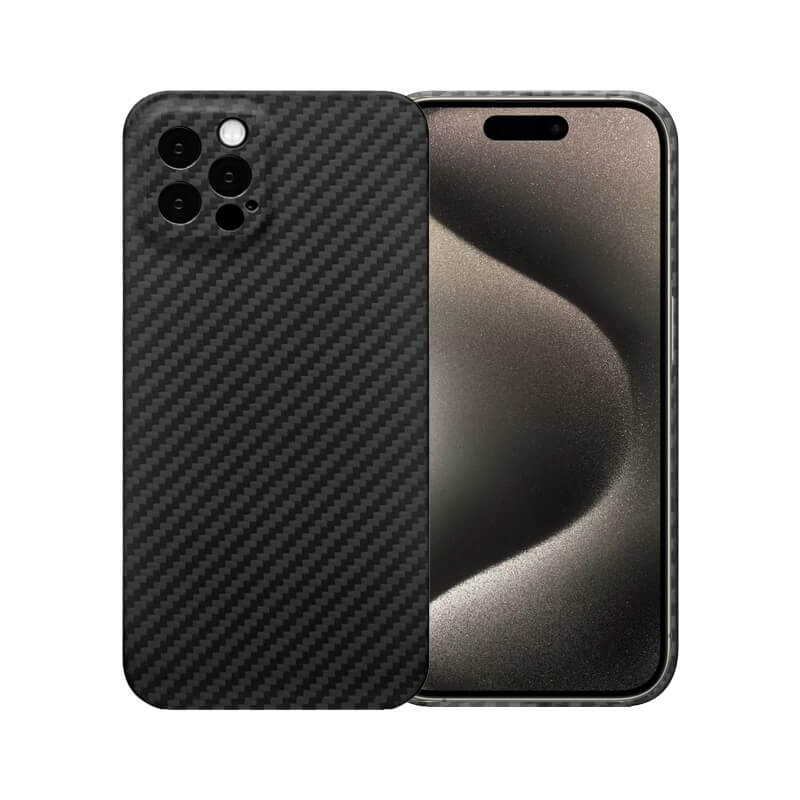
A premium, lightweight, and performance-inspired look.
Slim design, protects your iPhone without adding unnecessary bulk.
Built-in MagSafe magnets support convenient charging and accessories.
Precision fit provides easy access to buttons, ports, and cameras.
Raised edges help protect your screen and camera lenses from scratches.
Designed specifically for the iPhone 15 Pro for a precise fit.
Does Phone Case Material Matter?
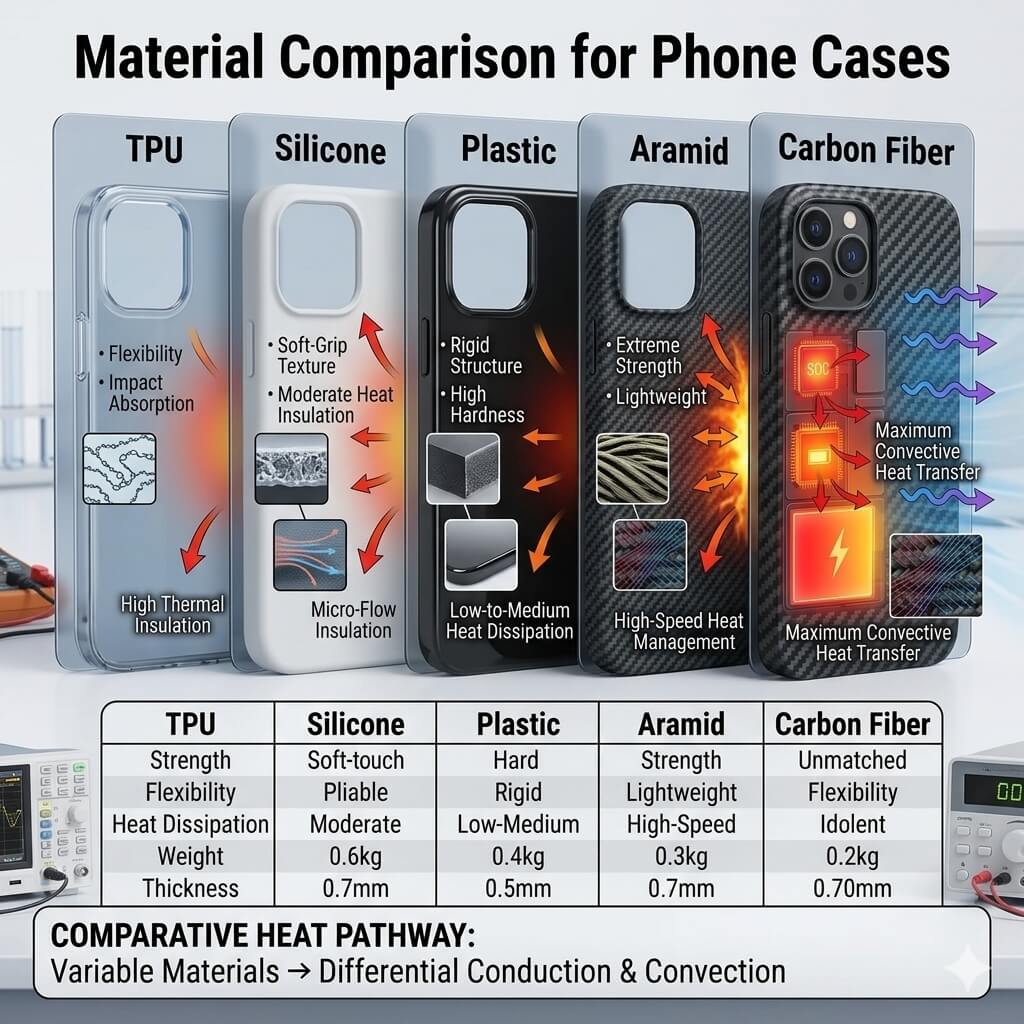
Yes. Material selection can influence thermal behavior, but it should not be considered in isolation.
Silicone and TPU
Silicone and TPU are popular because they provide flexibility, impact absorption, and a comfortable grip.
They are generally not chosen primarily for high thermal conductivity.
A thick silicone or TPU case may therefore add thermal resistance, especially when the phone is under sustained heavy load.
That does not mean these materials are unsuitable. For everyday use, their impact protection and flexibility can be valuable.
Related reading: Is Carbon Fiber Stronger Than Silicone?
Hard Plastic
Polycarbonate and other plastics are widely used in phone cases.
Their thermal performance depends on thickness, geometry, and the rest of the case structure.
A thin plastic shell can behave very differently from a thick multilayer protective case.
Leather
Leather is mainly selected for its appearance, feel, and protection rather than heat transfer.
A leather case with multiple internal layers can provide additional thermal resistance.
Metal
Metal has relatively high thermal conductivity, so it can spread heat quickly across its surface.
But that does not automatically make a metal case better for smartphone cooling.
It can become hot to the touch, add weight, and may interfere with wireless charging if it is not properly designed.
Google specifically warns that metallic objects or incompatible metallic or magnetic cases can cause heating or interfere with wireless charging.
Aramid Fiber
Aramid fiber cases are known for being thin, lightweight, and strong.
Their thermal behavior depends on the specific composite structure and case design rather than simply the name of the material.
Carbon Fiber
Carbon fiber is particularly interesting from a materials-engineering perspective.
Carbon fiber has excellent stiffness and a very high strength-to-weight ratio. Its thermal properties can also be useful in engineered structures.
But there is an important distinction:
A carbon fiber phone case is usually a composite material, not a solid block of pure carbon fiber.
The final thermal behavior depends on:
- Fiber type
- Fiber orientation
- Resin matrix
- Laminate construction
- Thickness
- Surface structure
- Contact with the phone
- Overall case geometry
Therefore, it would be inaccurate to claim that every carbon fiber case automatically keeps a phone cool.
The engineering goal should instead be to achieve a good balance between light weight, protection, structural stiffness, thickness, wireless charging compatibility, and thermal behavior.
Related reading: Carbon Fiber vs Aramid Phone Cases: The Ultimate Comparison
Can a Phone Case Cause Heating During Wireless Charging?
This is one of the situations where your phone case deserves closer attention.
Wireless charging already produces some heat. A poorly matched case can make the situation worse by increasing the distance between charging components, interfering with alignment, or introducing unsuitable metal or magnetic components.
Google’s current charging guidance recommends using cases compatible with the relevant wireless-charging standard. It also says that if a case causes slow or unstable wireless charging, removing it can help.
For newer Qi2-compatible devices, compatibility between the phone, charger, and case is particularly important.
Apple also notes that iPhones can automatically slow or pause charging when temperatures become too high and recommends removing the case if an iPhone tends to heat up while charging.
A simple test
If your phone becomes unusually warm during wireless charging:
- Charge it with the case installed.
- Note the temperature and charging behavior.
- Let the phone cool.
- Repeat the test without the case.
- Keep the charger, room temperature, battery level, and phone usage as similar as possible.
- Compare the results.
This will give you much more useful information than simply assuming the case is responsible.
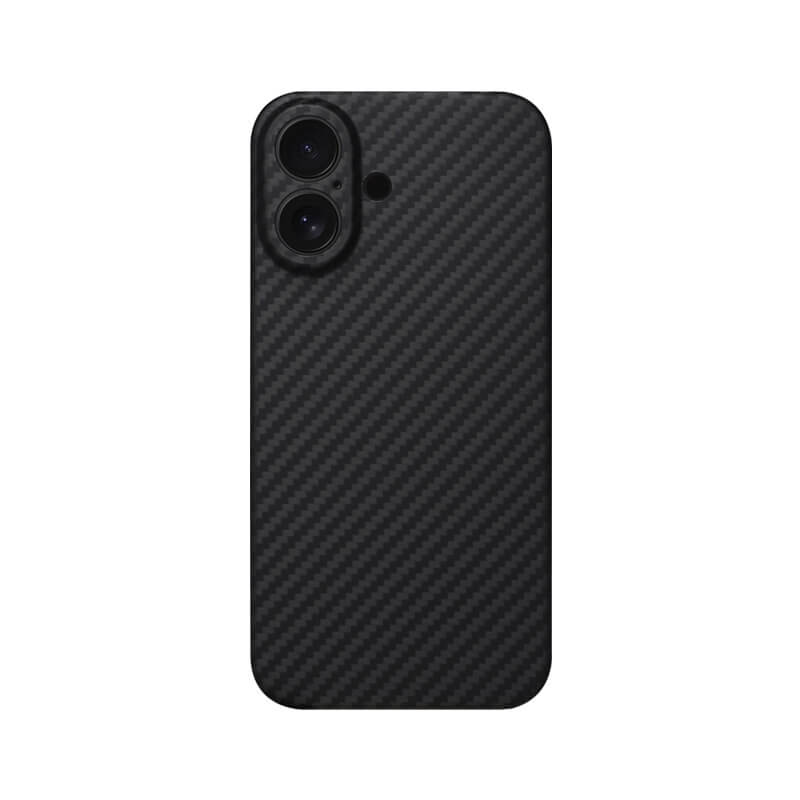
Strong MagSafe magnets ensure secure attachment.
Slim profile protects without adding unnecessary bulk.
Raised edges protect screen and camera.
Textured surface provides a secure grip.
Precise cutouts ensure easy everyday access.
Durable construction helps absorb everyday impacts.
Supports wireless charging without removing the case.
When Are Phone Cases Most Likely to Affect Temperature?
A case is more likely to matter when the phone is already producing significant heat.
Gaming
Gaming creates sustained processor and graphics workloads.
If the phone is already approaching its thermal limits, even a relatively small change in heat dissipation can become noticeable.
Fast Charging
Charging generates heat, and using the phone heavily at the same time adds another source.
Wireless Charging
Wireless charging introduces additional thermal considerations, particularly when the case is thick or incompatible.
Video Recording
High-resolution video recording can continuously load the processor, camera system, storage, and display.
GPS Navigation
Navigation can combine GPS, mobile data, screen brightness, and processing for an extended period.
Hot Weather
A hot environment reduces the phone’s ability to release heat.
Google notes that demanding activities and high outside temperatures can cause a device’s temperature to become elevated, with the phone potentially reducing performance or pausing certain functions to protect itself.
When Is Your Phone Heating Probably Not Caused by the Case?
This is just as important as understanding the case itself.
If your phone is hot, the case may simply be exposing a problem that would have existed anyway.
Possible causes include:
- Intensive gaming
- Fast charging
- Wireless charging
- Weak cellular signal
- GPS use
- High screen brightness
- Background applications
- Large downloads or uploads
- Hot weather
- Direct sunlight
- An incompatible charger
- Battery or hardware problems
For example, a phone can become hot even without a case when recording video outdoors on a hot day.
That is why it is better to identify the complete operating conditions before blaming the case.
How to Test Whether Your Phone Case Is Causing the Heat
You can perform a simple comparison at home.
Step 1: Identify when the phone gets hot
Does it happen during charging, gaming, navigation, video recording, or ordinary browsing?
Step 2: Keep the conditions consistent
Try to use the same charger, application, battery level, room temperature, and usage time.
Step 3: Test with the case
Use the phone normally and observe how quickly it becomes warm.
Step 4: Remove the case
Let the phone return to a similar starting temperature, then repeat the same activity.
Step 5: Compare the results
Look at:
- Temperature
- Charging speed
- Performance
- Thermal warnings
- Whether charging pauses
- How quickly the phone cools afterward
If the phone consistently runs noticeably cooler without one particular case, the case may be contributing to the problem.
This is a much more reliable approach than assuming all cases behave the same way.
How to Choose a Phone Case With Better Thermal Performance
You do not have to choose between protection and reasonable thermal performance.
Look for a case with:
1. A relatively slim profile
Less unnecessary material can reduce the thermal barrier between the phone and the environment.
2. Good material selection
Materials and composite construction should be chosen for the intended application rather than appearance alone.
3. Proper fit
A case designed specifically for your phone model will generally provide better dimensional accuracy and charging compatibility.
4. Wireless charging compatibility
If you use MagSafe, Qi, or Qi2, make sure the case is designed for the relevant system.
5. Minimal interference
Avoid unnecessary metallic components or structures that could interfere with wireless charging.
6. Balanced protection
A case still needs to protect the phone from drops, scratches, and everyday impacts.
The goal should not be to make the case as thin as possible at any cost.
The goal is to find the right balance between protection, weight, stiffness, charging compatibility, durability, and thermal behavior.
If you prefer a lightweight, rigid material, explore our carbon fiber phone case collection to see different case designs and phone models.
Are Carbon Fiber Phone Cases Good for Heat Management?
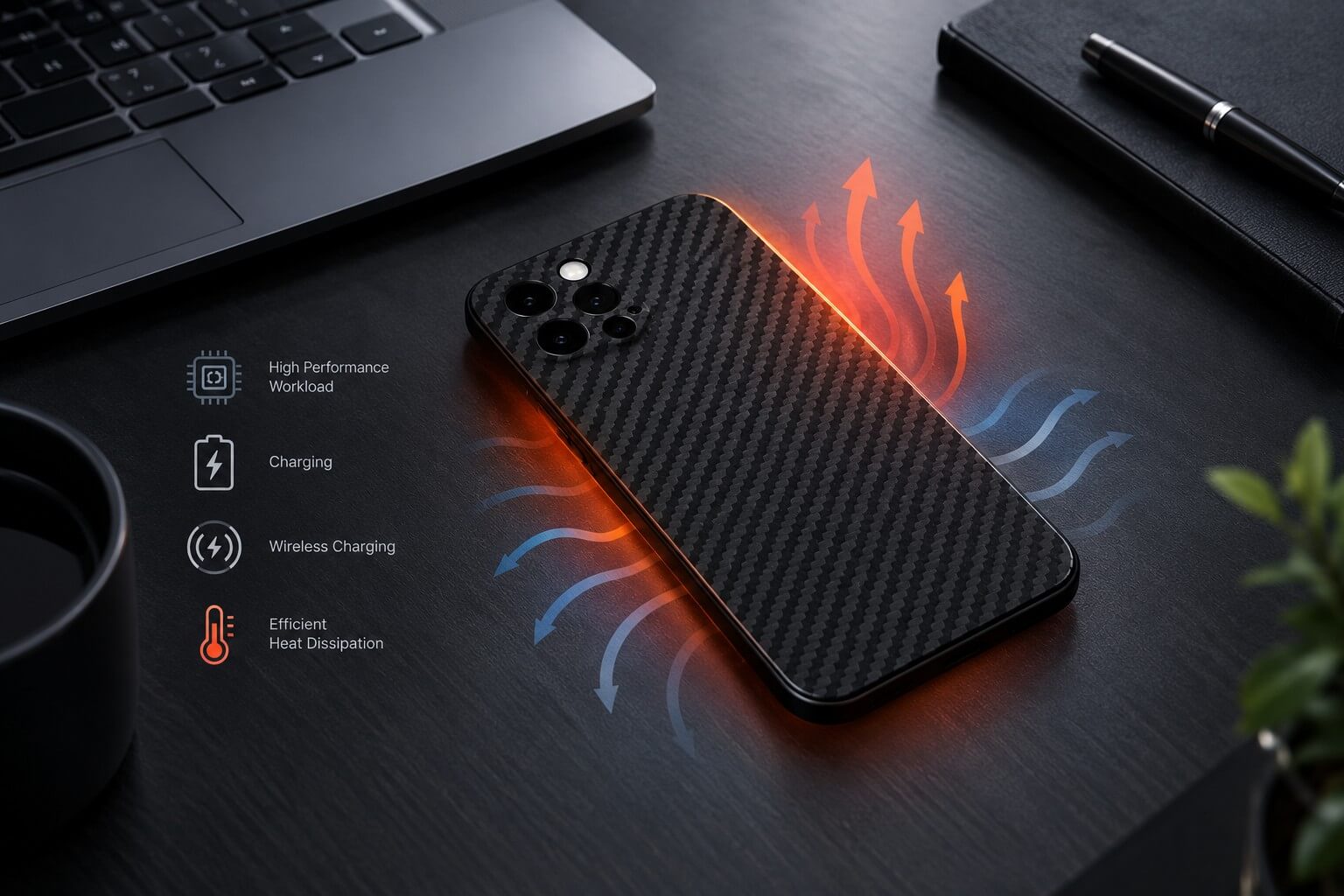
Carbon fiber is often associated with high-performance engineering because of its combination of low weight and high stiffness.
From my perspective as a materials engineer, however, it is important to avoid oversimplifying the material.
Carbon fiber does not automatically make a phone case a cooling device.
A conventional protective carbon fiber composite case is primarily designed for structural performance, low weight, durability, and appearance. Its thermal behavior depends on the complete composite structure.
At the same time, research into smartphone thermal management shows that the thermal conductivity and directional heat-spreading properties of an outer case can influence temperature distribution. One engineering study found that increasing the thermal conductivity of a smartphone’s outer case helped reduce peak temperature and improve heat distribution in simulations.
This is where composite engineering becomes important.
Carbon fiber is anisotropic, meaning its properties can differ depending on direction. Fiber orientation, laminate structure, resin content, and thickness can all influence how heat moves through a composite.
Therefore, when evaluating a carbon fiber phone case, look at the whole construction, not simply the words “carbon fiber.”
If you’re also comparing protection, weight, and durability, our guide Benefits of Carbon Fiber Phone Cases: Strength, Weight & Protection explains these advantages in more detail.
Does Removing a Phone Case Help Cool Your Phone?
Sometimes, yes.
Removing the case can reduce the thermal barrier between the phone and surrounding air.
It can be particularly useful if:
- The phone is already very warm
- You are charging
- You are using wireless charging
- You are gaming
- You are recording video
- You are outside in hot weather
Apple specifically recommends removing the case if an iPhone tends to heat up while charging.
However, you do not need to remove your case every time your phone becomes slightly warm.
Some warmth during normal operation is expected.
The more useful approach is to remove the case temporarily when the phone becomes unusually hot and see whether its temperature changes significantly.
What Should You Do If Your Phone Gets Too Hot?
If your phone becomes unusually hot, take the heat seriously.
Stop intensive activities
Close demanding applications and stop gaming or recording video.
Disconnect the charger
If the phone is hot while charging, disconnect it and allow it to cool.
Remove the case if necessary
This can help you determine whether the case is contributing to the heat and may improve heat release.
Move it away from sunlight
A shaded, well-ventilated location is much better than a dashboard or other hot surface.
Let it cool naturally
Do not try to cool a hot phone by putting it in a freezer or refrigerator. Rapid temperature changes can create condensation and potentially damage electronic components.
Google recommends disconnecting a phone that becomes too hot, moving it to a cooler place, and not using it until it has cooled.
Also avoid covering a charging phone with a blanket or pillow. Google specifically warns against sleeping on or covering a device or power adapter during operation or charging.
When Should You Be Concerned About Phone Heating?
Some warmth is normal.
More concerning signs include:
- A temperature warning appears
- Charging repeatedly stops
- The phone shuts itself down
- Performance drops significantly
- The phone remains unusually hot while idle
- The device becomes extremely hot during light use
- The battery or enclosure appears physically swollen or damaged
- You notice an unusual smell
Modern smartphones have thermal protection systems.
For example, Google says a Pixel may reduce performance, limit features, pause charging, or shut down when its temperature becomes too high. Apple similarly uses thermal charging limits to protect the battery.
These protections are useful, but they should not be treated as an invitation to keep using a very hot device.
Frequently Asked Questions
Does a phone case make your phone hotter?
It can. A case adds another thermal layer and can affect how quickly heat leaves the phone. However, the effect depends on the case material, thickness, construction, phone workload, charging method, and environment.
Can a thick phone case cause overheating?
A thick case can make heat dissipation more difficult, especially during sustained high-load activities. However, thickness alone does not determine thermal performance.
Can a phone case affect wireless charging?
Yes. Thick, metallic, magnetic, or incompatible cases can interfere with wireless charging. If wireless charging becomes slow, unstable, or unusually warm, try charging without the case.
Does carbon fiber make a phone hot?
Not automatically. Carbon fiber cases are composite structures, and their thermal behavior depends on fiber orientation, resin, thickness, and overall construction.
Should I remove my case while charging?
Not necessarily. If your phone remains at a normal temperature and charges normally, there may be no reason to remove it. If the phone becomes unusually warm, removing the case is a simple troubleshooting step. Apple specifically recommends this when an iPhone tends to heat up while charging.
Does removing a phone case cool the phone?
It can help because the phone has fewer layers between its outer surface and the surrounding air. The improvement depends on the particular case and operating conditions.
Final Thoughts: Do Phone Cases Really Cause Overheating?
So, do phone cases cause heating?
They can influence heat dissipation, but they are rarely the only factor responsible for a hot smartphone.
The temperature of your phone is the result of a combination of factors:
Internal workload + charging method + environment + case design + materials.
A demanding game, fast charging session, wireless charger, hot car, or direct sunlight can generate far more heat than ordinary phone use.
At the same time, a thick or poorly designed case can make it harder for that heat to escape.
The best approach is therefore not to avoid phone cases altogether. Instead, choose a case that provides the protection you need while using appropriate materials, a sensible thickness, good structural design, and reliable wireless-charging compatibility.
For carbon fiber cases in particular, remember that “carbon fiber” is only one part of the engineering equation. The fiber, resin, orientation, laminate, thickness, and overall case construction all influence the final performance.
A well-designed phone case should not simply protect your phone from drops. It should work with the phone’s design rather than unnecessarily interfering with charging, heat dissipation, or everyday use.
And if your phone ever becomes unusually hot, the simplest test remains one of the most useful: let it cool, remove the case, repeat the same activity under similar conditions, and compare the results.
If you’re looking for a lightweight case that balances everyday protection, slim design, and premium materials, explore our carbon fiber phone cases collection at Oneou.