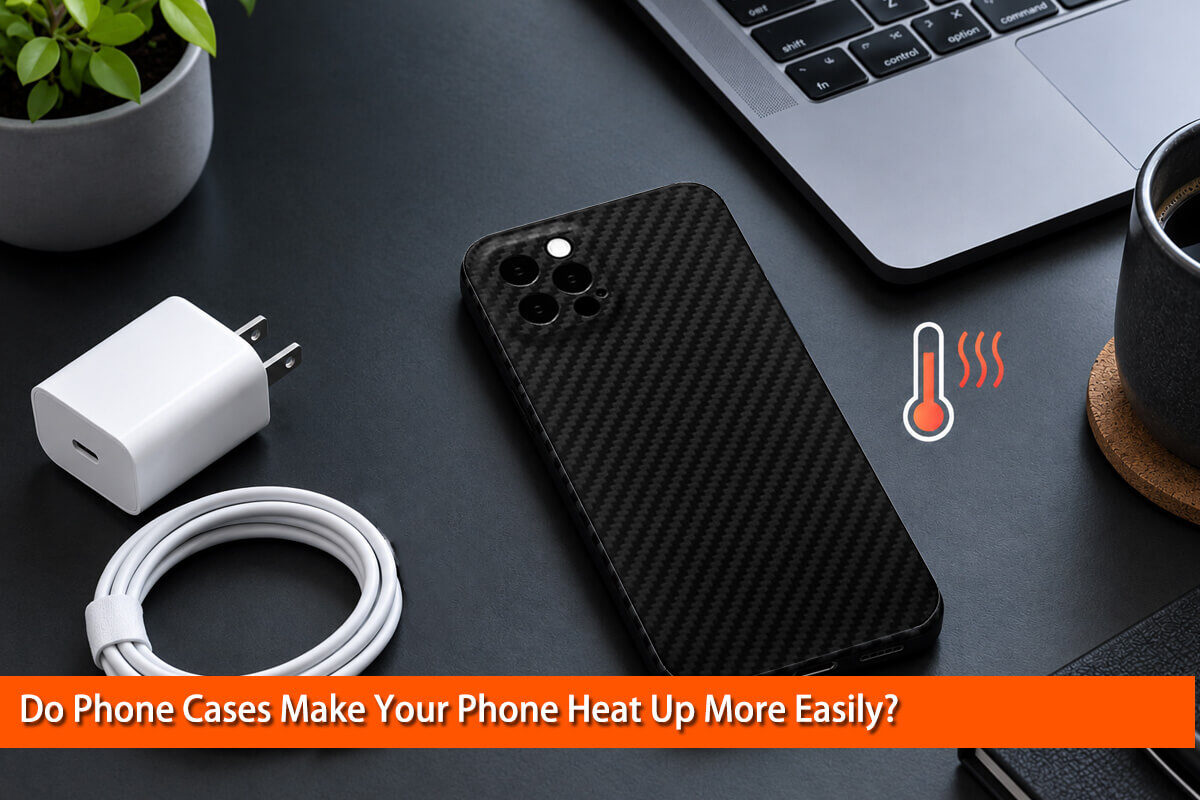
Have you ever noticed that your phone feels unusually hot after playing games, charging, or watching videos for a long time? You might wonder whether your phone case is trapping heat and making the problem worse.
The short answer is yes, some phone cases can make it harder for a phone to release heat. However, the effect depends on the case material, thickness, construction, and how you use your phone.
A phone case does not usually generate the heat itself. Your phone produces heat through its processor, battery, and other electronic components. The case changes how that heat moves from the inside of the device to the surrounding air.
As a materials engineer, I believe it is important to look beyond simple claims such as “silicone traps heat” or “carbon fiber keeps your phone cool.” The real answer involves heat transfer, material properties, and product design.
In this guide, we will explore how phone cases affect temperature, compare common case materials, explain what happens during charging, and share practical ways to keep your phone operating safely.
1. How Do Phone Cases Affect Heat Dissipation?
To understand whether phone cases make your phone hotter, we first need to understand where smartphone heat comes from and how it escapes.
Where Does Smartphone Heat Come From?
Modern smartphones contain several components that generate heat during normal operation.
The processor and graphics processor produce heat when you play demanding games, edit videos, or run complex applications. The battery and power-management circuits also generate heat during charging and discharging.
Wireless charging introduces additional energy losses, some of which become heat. Using navigation, recording high-resolution video, streaming content, or maintaining a weak cellular connection can also increase power consumption.
Apple explains that an iPhone may become warmer during wireless charging, graphics-intensive activities, video streaming, and initial device setup. These conditions do not automatically indicate a problem.
You can read Apple’s official guidance here: If your iPhone or iPad gets too hot or too cold.
How Does Heat Escape From a Phone?
Heat moves through three main processes:
- Conduction: Heat travels through materials that are in contact with each other.
- Convection: Heat transfers from the phone’s surface to the surrounding air.
- Thermal radiation: The phone releases energy from its surface in the form of electromagnetic radiation.
Smartphone manufacturers design internal structures to move heat away from sensitive components. The outer body then releases that heat into the environment.
A phone case adds another layer to this process. Depending on its material and construction, it may increase thermal resistance and slow heat transfer from the phone’s surface to the air.
Imagine wearing a thick jacket on a warm day. Your body still produces heat, but the jacket changes how quickly that heat escapes. A phone case can have a similar effect, although the underlying heat-transfer mechanisms and device structure are different.
This is why a thick, enclosed case may make heat dissipation less efficient, particularly when the phone is performing demanding tasks.
Why Can a Phone Feel Cooler While Running Hotter Inside?
This is one of the most interesting findings in smartphone thermal research.
In a 2020 study, Howard O. Njoku and colleagues investigated how phone casings affected temperatures during everyday activities. The researchers compared two identical smartphones, one with a plastic case and one without a case.
Their results showed that the casing changed the way heat escaped. During some activities, the case reduced the temperature felt on the phone’s outer surface while increasing the internal battery and processor temperatures.
The important lesson is that surface temperature and internal temperature are not the same thing.
A case may make your phone more comfortable to hold without necessarily improving its internal thermal conditions.
Read the original study: Infrared Detection of Elevations in Mobile Phone Temperatures Induced by Casings — Proceedings, 2020.
The study examined a specific plastic case and particular phones. It does not prove that every case produces the same effect, but it provides useful experimental evidence that case construction can influence heat dissipation.
2. Which Phone Case Materials Retain More Heat?
Different materials have different thermal properties. However, material alone cannot tell us exactly how hot a phone will become.
Thickness, internal layers, surface contact, and the phone’s design all matter.
Silicone and TPU Phone Cases
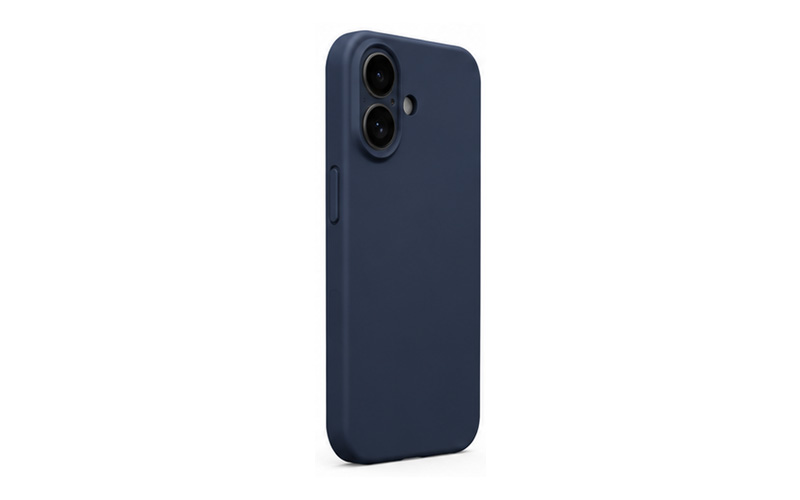
Silicone and thermoplastic polyurethane (TPU) are popular because they are flexible and can provide useful impact protection.
These polymers generally have relatively low thermal conductivity compared with metals. As a result, a thick polymer case may add thermal resistance between the phone and the surrounding air.
However, not every silicone or TPU case behaves the same way. A thin case with a simple structure may affect heat dissipation differently from a thick case with multiple protective layers.
If your phone frequently becomes hot during gaming or charging, consider whether your case is unusually thick or heavily insulated.
Hard Plastic Cases
Hard plastic cases can provide a balance of rigidity, weight, and everyday protection.
Like other polymer cases, they may slow heat transfer compared with a suitable thermally conductive structure. However, their actual performance depends on the polymer, wall thickness, contact area, and overall design.
A thin hard plastic case is not automatically worse than a thick case made from another material.
Leather and Rugged Protective Cases
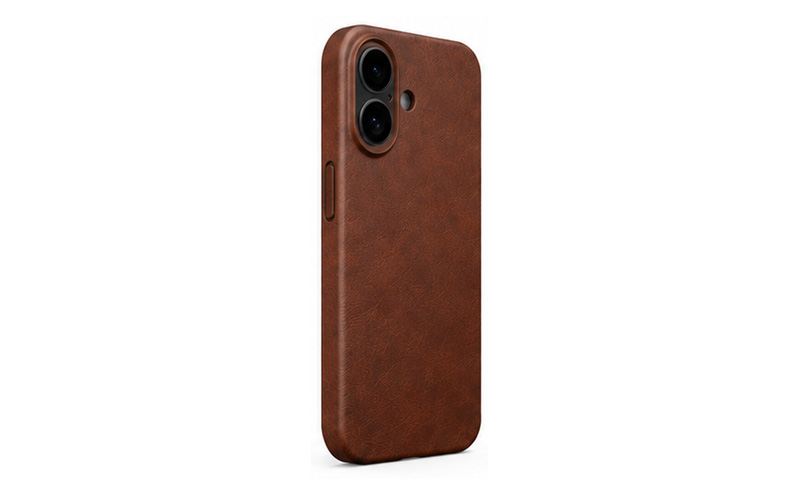
Leather cases, folio covers, and rugged cases often contain multiple layers, cushioning materials, or additional padding.
These features can improve protection and usability, but they can also add thermal resistance. Folio covers may further reduce heat release when the front cover remains closed during demanding activities.
If you regularly use your phone for gaming, navigation, or video recording, a simpler case may be more practical than a bulky, multilayer design.
That does not mean rugged cases are inherently unsuitable. The right choice depends on whether impact protection or a slimmer design is more important for your needs.
Carbon Fiber Phone Cases
Carbon fiber phone cases deserve a closer look because carbon fiber composites have distinctive mechanical and thermal properties.
A carbon fiber composite typically contains strong carbon fibers embedded in a resin matrix. The fibers provide stiffness and strength, while the resin holds the structure together.
Carbon fiber composites can have direction-dependent thermal conductivity. In other words, heat may travel more easily along the fibers than across them. Their performance also depends on fiber orientation, fiber content, resin type, thickness, and the way the case is manufactured.
This means we cannot simply say that every carbon fiber phone case dissipates heat better than silicone, TPU, or plastic.
A thin carbon fiber case may add less bulk than a thick, multilayer protective case, but its actual thermal performance must be evaluated as a complete product.
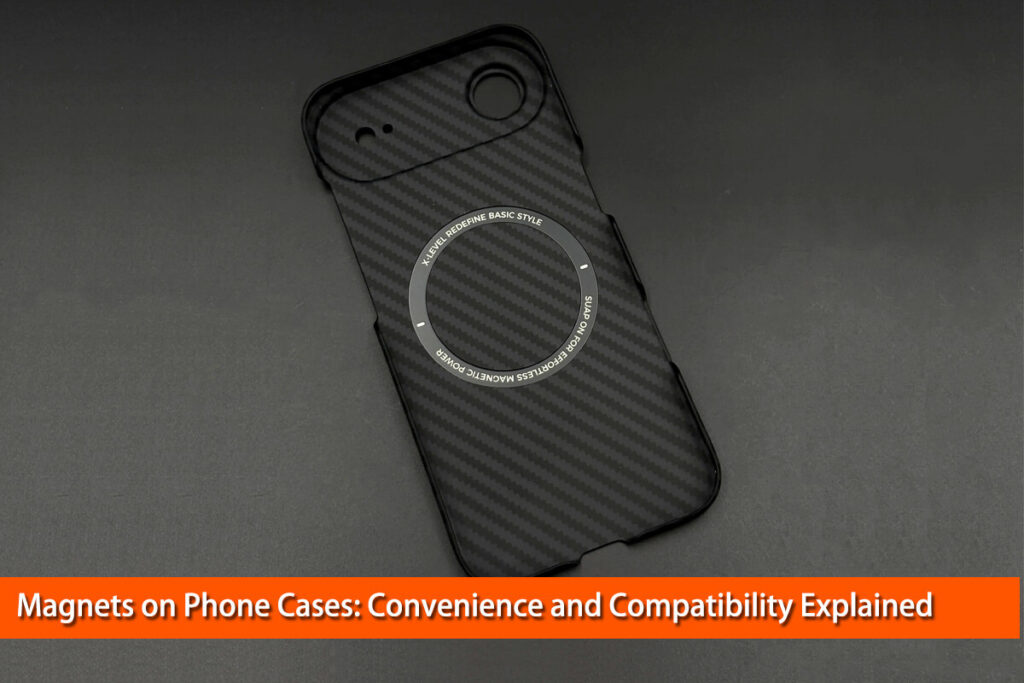
For people who value a lightweight design, a premium appearance, and a slim profile, a Oneou carbon fiber phone case is an option worth exploring. When choosing any carbon fiber case, consider its construction, phone compatibility, and charging requirements rather than assuming the material alone guarantees lower temperatures.
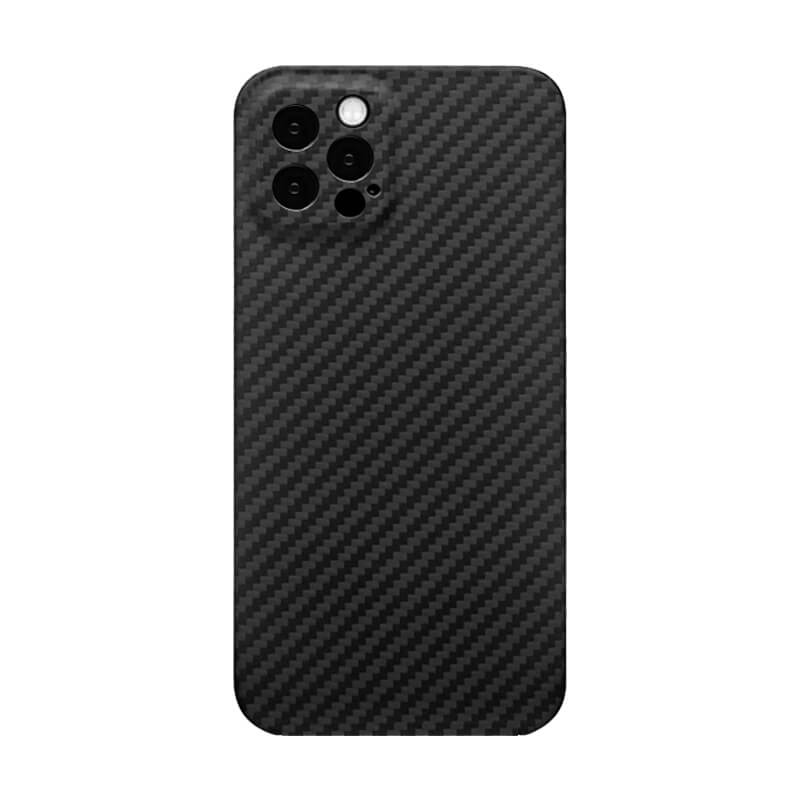
MagSafe Compatible;
Slim & Lightweight;
Precise Fit;
Premium Look;
Camera Protection;
Durable Design;
Easy Access.

Metal Phone Cases
Metals generally conduct heat more efficiently than common insulating polymers. A metal structure can spread heat across a larger surface, depending on its design and contact with the phone.
However, this does not mean every metal case will keep a phone cooler. Poor contact, added layers, and the case’s overall geometry can affect the result.
Metal can also interfere with wireless charging, depending on its position and configuration. A case must be designed for the intended charging system rather than relying on material conductivity alone.
For a broader comparison, read Oneou’s guide: What’s the Best Phone Case Material? A Complete Comparison.
3. Do Phone Cases Make Phones Hotter While Charging?
Charging is one situation in which the effect of a phone case becomes especially noticeable.
During charging, electrical energy is converted into stored chemical energy in the battery. Some energy is lost as heat in the battery, charging circuits, and other components.
The phone’s temperature can rise further if you use demanding apps while charging or charge it in a hot environment.
A case may slow heat dissipation, allowing the device to become warmer than it would under otherwise similar conditions without the case.
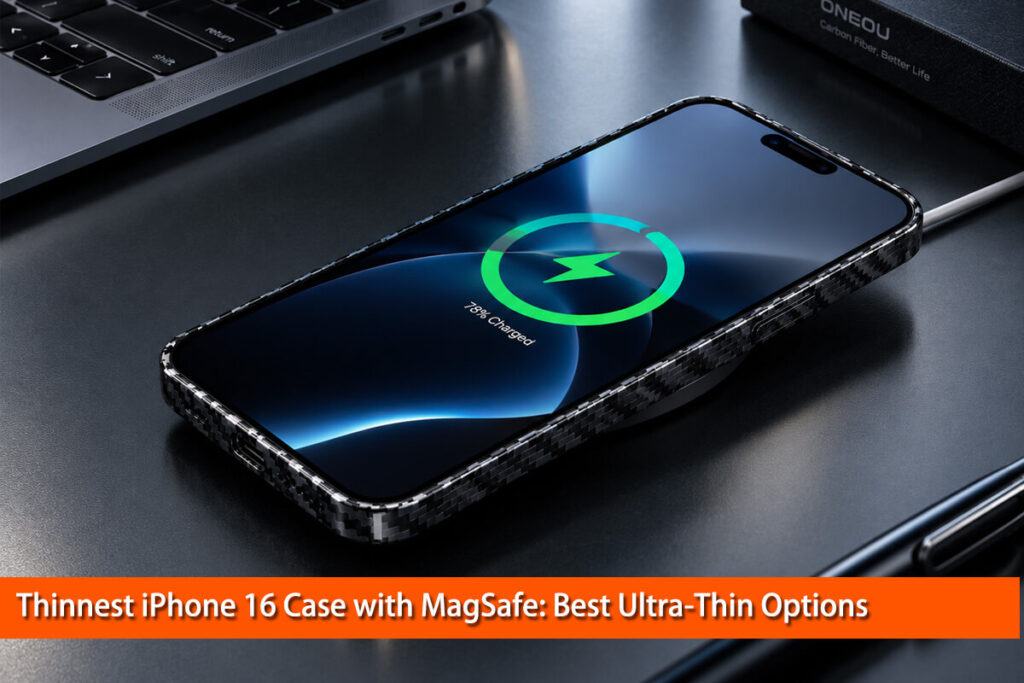
What About MagSafe and Wireless Charging?
Wireless charging naturally generates some heat because transferring energy between coils is not perfectly efficient. Coil alignment, charging power, accessory design, and the surrounding temperature all affect performance.
A case can influence wireless charging through its thickness, materials, magnetic arrangement, and construction around the charging coils.
For example, a case that is too thick or poorly suited to a particular charger may reduce charging efficiency or cause charging problems. A case designed for MagSafe or another compatible magnetic charging system can help maintain proper alignment, but compatibility alone does not guarantee that a phone will remain cool.
If you use magnetic charging regularly, choose a case specifically designed for your phone and charging system.
Oneou also explains these differences in MagSafe vs. Wireless Charging: The Ultimate Comparison.
Should You Remove Your Phone Case While Charging?
Not everyone needs to remove their case every time they charge their phone.
However, if your device repeatedly becomes unusually hot during charging, removing the case temporarily is a sensible troubleshooting step. It may help the phone release heat more effectively.
Apple’s guidance on temperature-limited charging also recommends removing the case if an iPhone tends to heat up while charging.
If removing the case makes little difference, the cause may be the charger, battery condition, background activity, ambient temperature, or another issue.
4. Can Phone Cases Damage Your Battery or Reduce Performance?
A phone becoming warm does not automatically mean its battery is being damaged.
Modern smartphones include thermal management systems designed to protect internal components. When a device becomes too hot, it may slow or pause charging, reduce performance, dim the display, or temporarily disable certain functions.
These measures help keep the device within its operating limits.
However, prolonged exposure to excessive temperatures can accelerate the aging of lithium-ion batteries. Heat management therefore matters for long-term battery health.
The important distinction is between normal warmth during demanding activities and persistent overheating.
For example, a phone may become warm during a long gaming session and cool down after you stop. This is different from a phone that repeatedly displays temperature warnings during light use.
If your device becomes unusually hot without an obvious reason, do not assume the case is the only cause. Battery problems, software issues, faulty accessories, and environmental conditions can also contribute.
5. How to Stop Your Phone From Overheating When Using a Case
If your phone frequently feels too hot, try these practical steps.
Step 1: Remove the Case Temporarily
Remove the case and allow the phone to cool in a shaded, well-ventilated environment. Under similar usage conditions, observe whether the heating pattern changes.
For a useful comparison, avoid changing several variables at once. For example, compare ordinary browsing with and without the case under similar room temperatures.
Do not intentionally push the phone into overheating just to conduct a test.
Step 2: Reduce Demanding Activities
Gaming, navigation, video recording, and other processor-intensive activities can generate substantial heat.
Pause demanding tasks and let the device cool down if it becomes unusually warm. Avoid running intensive apps while charging if this repeatedly causes heating problems.
Step 3: Avoid Hot Environments
Direct sunlight, hot cars, and poorly ventilated spaces can raise the phone’s temperature significantly.
Apple specifies an ambient operating temperature range of 0°C to 35°C (32°F to 95°F) for iPhones and iPads. High temperatures can affect device behavior and shorten battery life.
Never leave your phone charging in direct sunlight or inside a hot parked car.
Step 4: Check Your Charging Accessories
If overheating mainly happens during charging, check the charger, cable, wireless charging pad, and case compatibility.
For wireless charging, ensure that the phone is correctly aligned and that the case is suitable for the charging system. If the device continues to become unusually hot, stop charging and investigate further.
Step 5: Choose a Case That Fits Your Usage
Consider the case’s thickness, materials, protective layers, and charging compatibility.
If you mainly browse, message, and make calls, many ordinary cases will work well. If you frequently play demanding games or use navigation for long periods, a slimmer, simpler case may be worth considering.
Remember that a slim case is not automatically a better thermal design. The entire construction matters.
Step 6: Know When to Seek Help
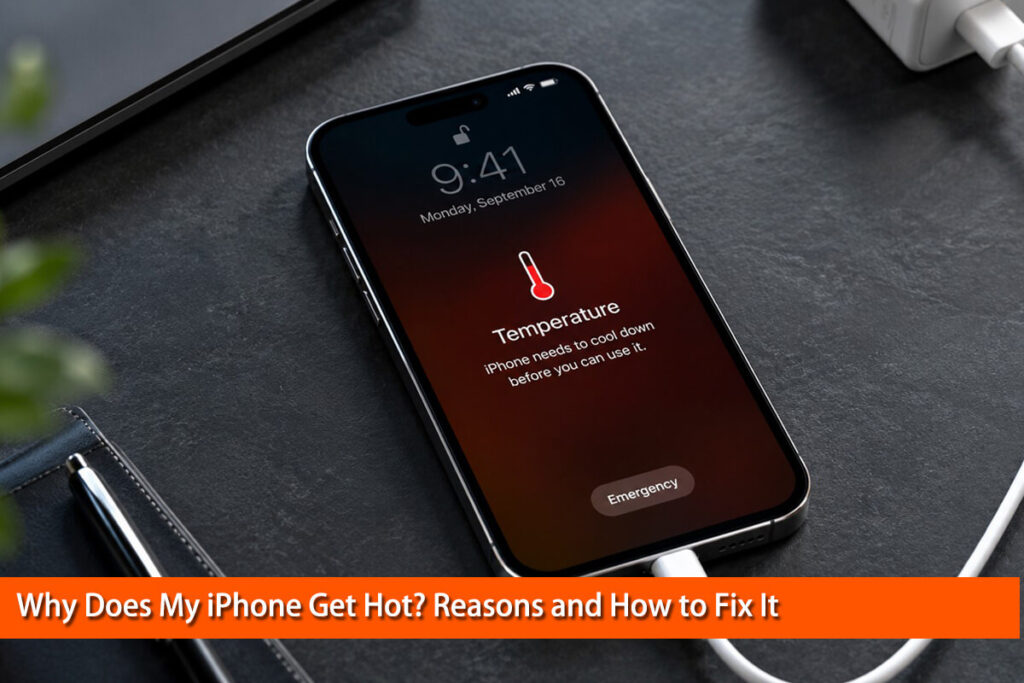
If the phone displays a temperature warning, follow the manufacturer’s instructions. Stop demanding activities, disconnect charging if appropriate, move the device away from direct heat, and allow it to cool naturally.
Do not place a hot phone in a refrigerator or use ice to cool it rapidly, as condensation and sudden temperature changes can cause additional problems.
If overheating continues during light use, or the phone shows repeated charging interruptions, swelling, or other signs of battery damage, seek professional assistance. If the battery appears swollen, stop using and charging the device.
6. How to Choose a Phone Case That Balances Protection and Heat Management
Choosing a phone case involves balancing several factors, including drop protection, weight, comfort, durability, appearance, and thermal behavior.
Here are four practical considerations:
- Thickness: A slim design may add less thermal resistance and bulk, although thickness alone does not determine performance.
- Material: Silicone, TPU, plastic, metal, and carbon fiber composites have different thermal and mechanical properties.
- Construction: Internal padding, resin layers, liners, and other components influence the overall behavior of the case.
- Charging compatibility: If you use wireless charging or MagSafe, select a case designed for your specific phone and charging system.
For users who prefer a lightweight, premium-looking design, a Oneou carbon fiber phone case may be worth considering. Look at the actual product construction and verified features, including its magnetic charging compatibility where applicable.
The goal is not to find a case that promises to eliminate heat. Every smartphone generates heat during use. Instead, choose a case that meets your protection needs without unnecessarily adding bulk or interfering with normal device operation.
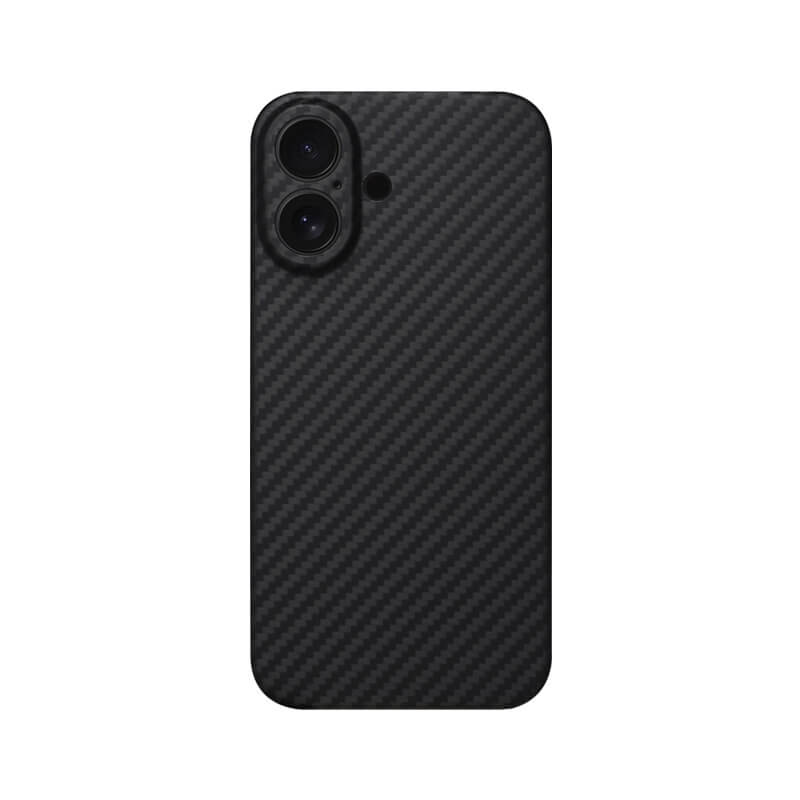
Strong MagSafe magnets ensure secure attachment.
Slim profile protects without adding unnecessary bulk.
Raised edges protect screen and camera.
Textured surface provides a secure grip.
Precise cutouts ensure easy everyday access.
Durable construction helps absorb everyday impacts.
Supports wireless charging without removing the case.
Frequently Asked Questions
Do phone cases make your phone hotter?
Yes, some cases can slow heat dissipation and increase internal temperatures under certain conditions. The effect depends on the material, thickness, construction, workload, and environment.
Do thick phone cases trap more heat than thin cases?
They can. Greater thickness may increase thermal resistance, particularly when a case contains insulating layers. However, material and construction also matter, so thickness alone cannot predict the exact temperature.
Does a carbon fiber phone case make your phone overheat?
Not necessarily. Carbon fiber composites have complex thermal properties, and case design matters more than the material name alone. There is no basis for assuming that every carbon fiber case will cause overheating or prevent it.
Should I remove my phone case while charging?
Not always. If your phone charges normally and remains within its usual temperature range, removing the case may be unnecessary. If it repeatedly becomes unusually hot, remove the case temporarily and check whether the situation improves.
Do MagSafe cases make iPhones hotter?
Wireless charging naturally produces some heat. Case thickness, charging alignment, accessory compatibility, and overall construction can affect charging performance and temperature. A compatible MagSafe case does not guarantee that the phone will never become hot.
Is it normal for a phone to get warm while gaming?
Yes, some warmth is normal during demanding gaming sessions. If the phone becomes excessively hot, displays a temperature warning, or repeatedly reduces performance, stop the activity and let it cool.
Conclusion
Do phone cases make your phone heat up more easily? Some do, but the answer depends on more than the material alone.
A case can change how heat moves from your phone to the surrounding air. Its thickness, construction, and charging compatibility all play a role. Meanwhile, demanding apps, wireless charging, and hot environments can increase the heat your phone generates.
The best approach is to choose a well-designed case that balances protection, comfort, and everyday usability. If your phone repeatedly becomes unusually hot, remove the case temporarily, reduce demanding activities, and investigate other possible causes.
A good phone case should protect your device without unnecessarily interfering with its normal operation. Understanding how materials and design affect heat dissipation helps you make a better-informed choice.
References and Further Reading
- Njoku, H. O., Eneh, C. T., Torbira, M. S., & Wodi, C. (2020). Infrared Detection of Elevations in Mobile Phone Temperatures Induced by Casings. Proceedings, 42(1), 23.
- Apple Support. If your iPhone or iPad gets too hot or too cold.
- Apple User Guide. Understand thermally limited charging on iPhone.
- Oneou. What’s the Best Phone Case Material? A Complete Comparison.
- Oneou. MagSafe vs. Wireless Charging: The Ultimate Comparison.
- Oneou. Carbon Fiber Phone Case.
Author’s note: The scientific study cited above examined a particular plastic casing and specific smartphones. Its findings should not be generalized to every case material or product. The material comparisons in this article describe general engineering principles rather than claiming that every product made from a given material has the same thermal performance.